
Vendor Payouts Automation
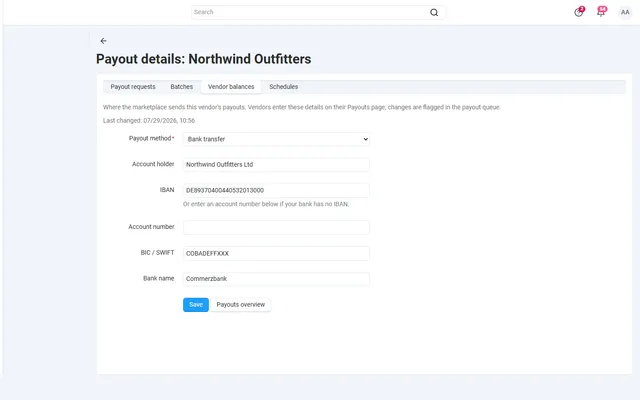
Payout schedules, hold periods, approval batches and SEPA or PayPal payout files, on top of core vendor accounting.
Platforms
 CS-CartAdd-ons and themes for CS-Cart and Multi-Vendor
 OpenCartExtensions and themes for OpenCart 4 and 3
 WooCommercePlugins and themes for WooCommerce
 PrestaShopModules and themes for PrestaShop 8.2 and 9
 ShopifyBuilt for every Shopify plan, billed by Shopify
Stores
CS-Cart guide · Spreadsheet Bulk Product Editor
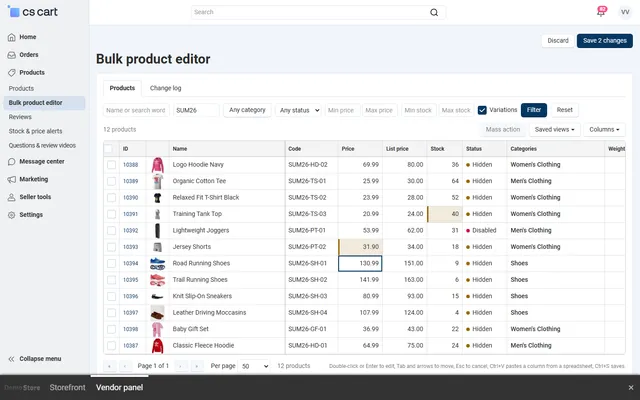
A grid under Products for the whole catalog: filter, choose columns including product features and SEO fields, edit cells inline, paste a column from a spreadsheet and save it all at once. Every change can be undone.
The problem
CS-Cart bulk edit changes a few fields of the products on one page. Repricing a category, fixing SEO names or moving hundreds of products means many rounds of select, edit and save.
Import files can do more, but one wrong column in a CSV changes thousands of products with no preview and no undo.
Spreadsheet Bulk Product Editor
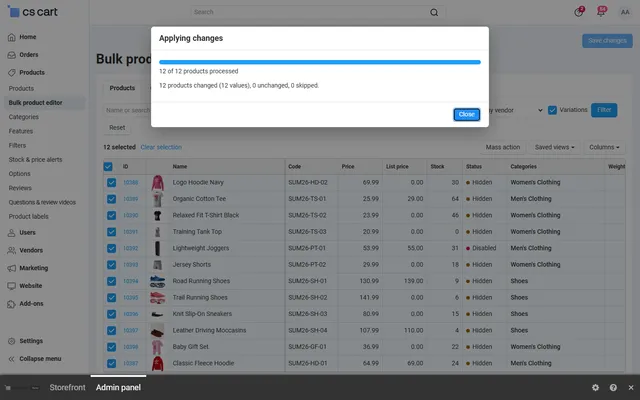
Open Products > Bulk product editor, filter the catalog and choose the columns, including features and SEO fields. Save views you use often.
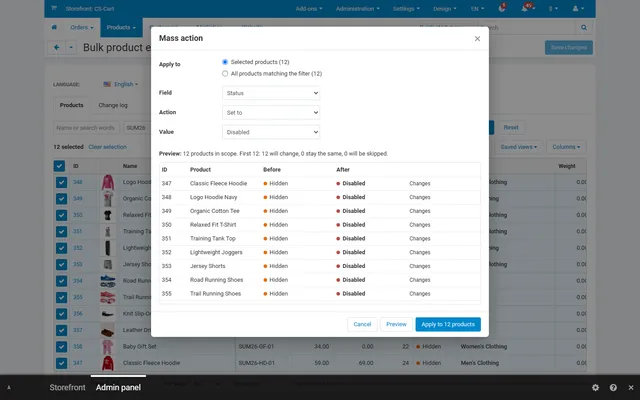
Type in cells like a spreadsheet, or select products and run a mass action: set, increase or decrease by an amount or percent, with rounding.
Check the before and after values, apply, and undo from the change log if needed. Values changed by someone else meanwhile are never overwritten.
Name, code, price, list price, stock, status, categories, weight, shipping, meta fields, search words and SEO name.
Text, number, checkbox, select and brand features.
Prices, stock, texts, categories and features of selected or all matching products, with rounding to .99 or .95.
In names, codes, meta fields and descriptions, or add text at the start or end.
Old and new values of every cell, with Details and Undo.
Every change goes through the standard product update, so SEO redirects, variations, caches and other add-ons stay in sync.
Spreadsheet Bulk Product Editor
Core bulk edit changes a few fields of the products you select on one page of the list. For a price update on 2,000 products or an SEO clean-up across a category, that means many rounds of the same screen, or an export to CSV and an import back with the risk that goes with it: one shifted column, and there is no undo.
Spreadsheet Bulk Product Editor adds a grid under Products for the whole catalog. You filter, choose columns, edit cells or paste from Excel or Google Sheets, and save. Larger changes run as mass actions with a preview. Every change goes into a log with old and new values, and Undo restores them.
Saving reports per cell: green for saved, red with a message if a rule refused it, and "changed by someone else" if the value moved after you loaded the page. A value that changed meanwhile, for example stock after an order, is never overwritten. The current value is shown, and you can enter your change again.
The grid pages on the server, 25 to 250 products at a time, so it stays usable on large catalogs. Saved views keep your filters and columns, and administrators can share them.
| Field | Actions |
|---|---|
| Price, list price | Set, increase or decrease by amount or percent, set from list price or price, round to cents, whole numbers, .99 or .95 |
| Stock | Set, increase, decrease |
| Weight, shipping freight | Set, increase, decrease, round |
| Status, free shipping | Set |
| Code, page title, meta fields, search words | Set, find and replace, add text at start or end |
| Name, short and full description | Find and replace, add text at start or end |
| Categories | Add, remove, set main category |
| Features | Set a value, remove the value |
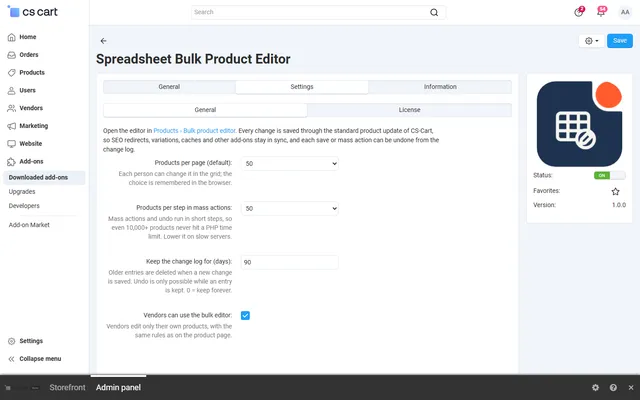
Mass actions run in steps of 50 products by default, so PHP time limits are not a problem on normal hosting; lower it to 20 on slow servers. If the connection drops, the Change log shows the action as Interrupted with a Continue button. Adding text twice is safe: products that already start or end with that text are skipped.
Changes go through the standard CS-Cart product update, so SEO redirects, variations, caches and other add-ons stay in sync. Changing an SEO name creates a redirect from the old URL, as it does on the product page.
Each save and mass action is one entry: who, when, which fields, how many values. Details shows the first 200 changed cells with old and new values. Undo restores them, and a value that changed again since then is kept and counted as skipped, so undo never tramples newer work. The undo itself is an entry, so you can undo the undo. Entries are kept for 90 days by default; 0 keeps them forever.
| Core bulk edit | CSV export and import | This add-on | |
|---|---|---|---|
| Whole catalog | One page at a time | Yes | Yes |
| Preview before saving | No | No | Yes |
| Undo | No | Re-import a backup | Yes, per entry |
| Overwrite protection | No | No | Yes |
| New products | No | Yes | No, edits existing products |
Keep CSV for creating products and for supplier data, or automate that with Scheduled Supplier Feed Import. To find what needs fixing first, Catalog Quality Audit lists products with missing images, descriptions or SEO. Get the Bulk Product Editor on the store.
CS-Cart and Multi-Vendor 4.17.2 to 4.22.x, PHP 7.2.5 to 8.3, a current browser, and no cron job. Tested with 10,000+ products. Access follows the View catalog and Manage catalog privileges. Vendors see only their own products in the vendor panel, with the same rules as on the product page, and their views are private. On Ultimate, editing follows the selected storefront.
CS-Cart
Spreadsheet grid to edit prices, stock, names, categories, features and SEO fields of thousands of products inline, with mass actions, preview and undo.
CS-Cart
The most requested products on this platform. Each one has its own page, and you can buy it straight on the sales site.
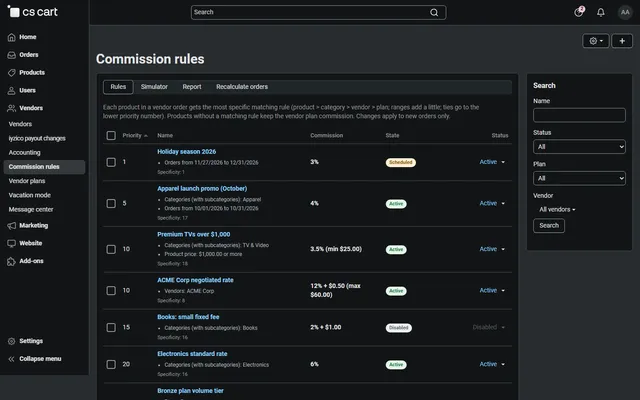
Payout schedules, hold periods, approval batches and SEPA or PayPal payout files, on top of core vendor accounting.
Commission by vendor, category, product, price or monthly sales on top of your vendor plans, with a simulator.
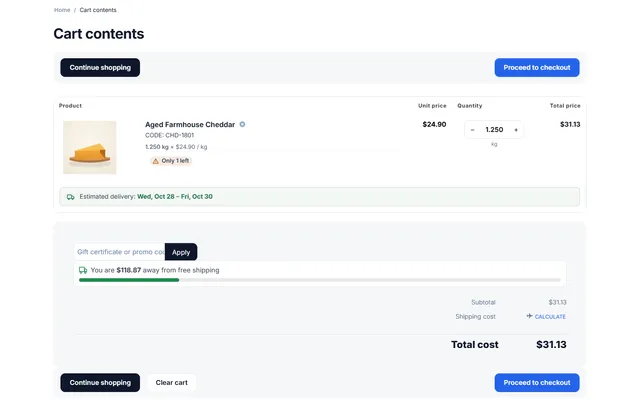
Decimal quantities with a unit, step, presets and price per kg or metre, with exact stock down to 0.001.
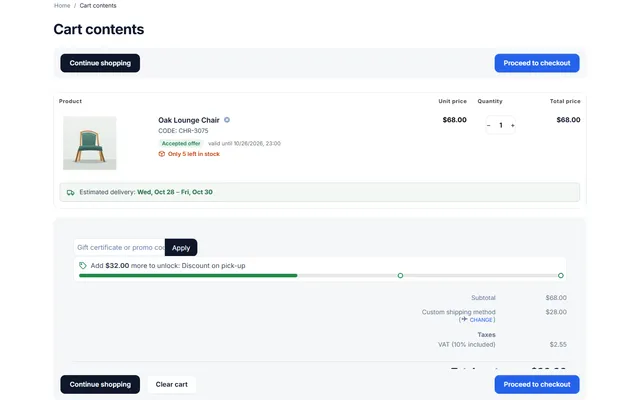
A Make an offer button with counter-offers, deadlines and a single-use agreed price; vendors answer their own offers.
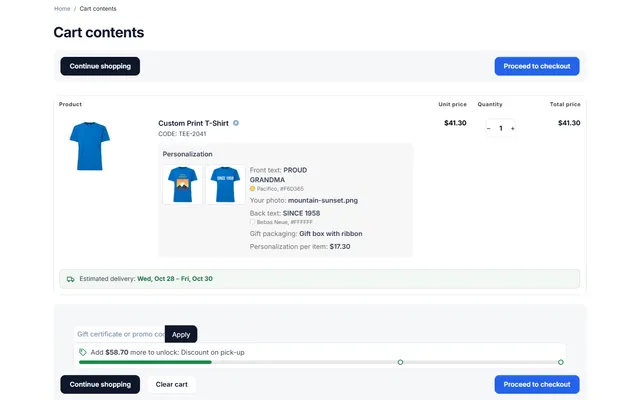
Text, photo and choice fields on print areas with a live preview, server-rendered proofs and surcharges.
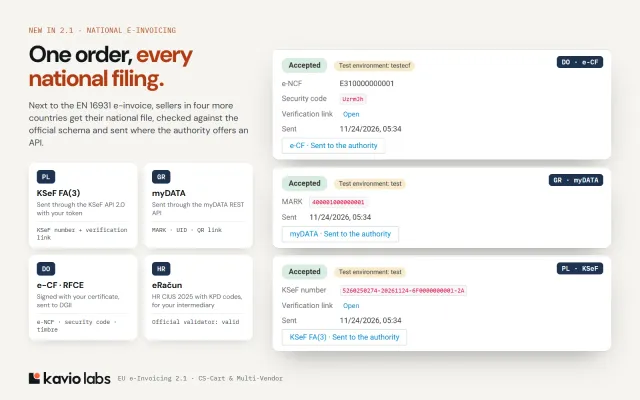
XRechnung, Factur-X/ZUGFeRD and Peppol BIS 3.0 e-invoices and credit notes from every order.
Prices, licences, full documentation and instant downloads are on the store.
cs-cart.kaviolabs.com · 245 add-ons · 47 themes
Bulk product editor
Built natively for each platform, not ported. Each version has its own product page, documentation and price.
OpenCart
A spreadsheet grid for prices, specials, stock and options, with bulk actions, preview and undo.
FAQ
The grid pages, sorts and filters on the server; it is tested with more than 10,000 products.
Yes. On Multi-Vendor, vendors edit their own products in the vendor panel. CS-Cart Ultimate gets per-storefront editing.
Yes. Every change goes through the standard product update, so SEO redirects, variations, caches and other add-ons stay in sync.
Yes. Paste a column from Excel or Google Sheets, and move with Tab, Enter and the arrow keys.
Yes. The Change log holds old and new values for each entry, and Undo restores them. A value that changed again since then is kept and counted as skipped.
A value that changed after you loaded the page is not overwritten. The grid marks it as changed by someone else and shows the current value.
Options and images are not part of the editor. Descriptions can be changed with find and replace or added text in mass actions.
The content language chosen with the language selector of the page. Other languages are not changed.
The product page has the full documentation, screenshots and the changelog.
Kavio Labs
The same standards, the same support desk and one licence portal on every platform we build for.