
Vendor Payouts Automation
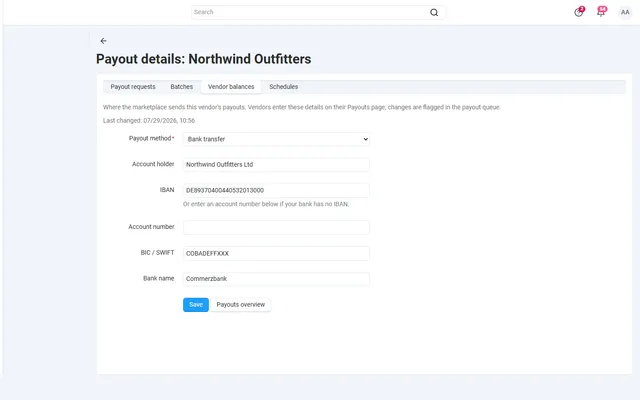
Payout schedules, hold periods, approval batches and SEPA or PayPal payout files, on top of core vendor accounting.
Platforms
 CS-CartAdd-ons and themes for CS-Cart and Multi-Vendor
 OpenCartExtensions and themes for OpenCart 4 and 3
 WooCommercePlugins and themes for WooCommerce
 PrestaShopModules and themes for PrestaShop 8.2 and 9
 ShopifyBuilt for every Shopify plan, billed by Shopify
Stores
CS-Cart guide · Wholesale Price Lists
Named price lists with fixed prices or percent discounts per product, quantity breaks, a discount on everything else, validity dates and priorities. Assign them to user groups or single customers and manage thousands of prices by CSV.
The problem
CS-Cart only has quantity discounts per user group on each product page. With hundreds of products and several contract customers, that means editing every product for every deal.
And when a contract ends, nobody remembers which products still carry the old price.
Wholesale Price Lists
In Customers > Price lists, add products with a fixed price or percent off, plus quantity breaks, or import a CSV file by SKU.
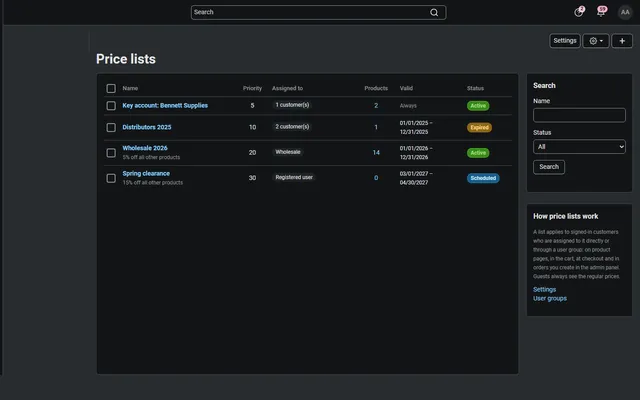
Assign the list to user groups or single customers, and set its validity and priority.
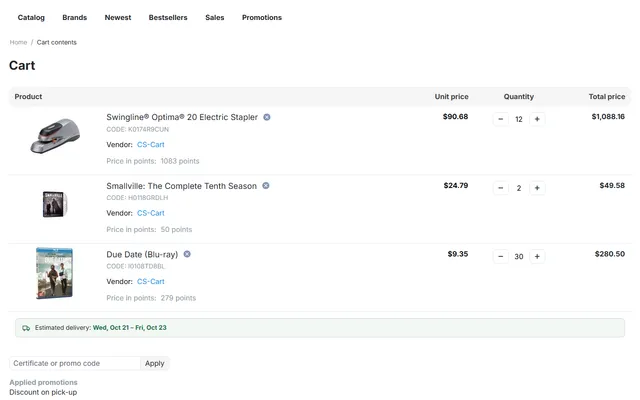
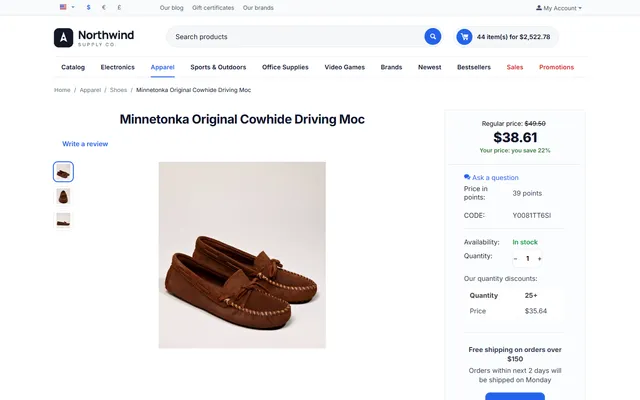
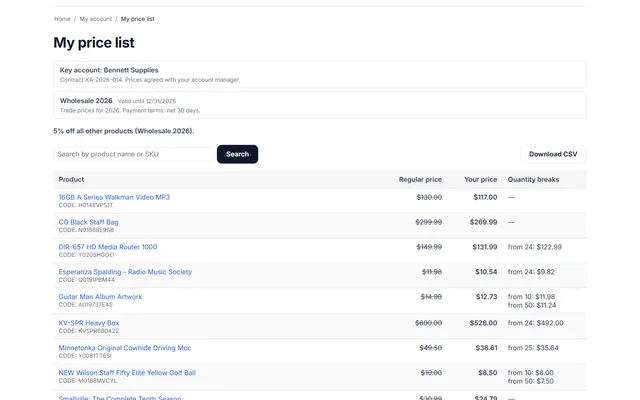
Signed-in customers see their price with the regular price crossed out, pay it in the cart, and find all their prices on My price list with a CSV download.
Per product, with quantity breaks, plus an optional discount on all other products.
Status, priority and dates per list.
Assign to user groups or individual customers.
By SKU, merge or replace.
A page in the customer account with a CSV download.
Cart, checkout, promotions, taxes and admin orders use the list price. Guests never see list prices.
Wholesale Price Lists
CS-Cart can set prices per user group and quantity, one product page at a time. That is workable for ten products. For a trade catalog of 5,000 SKUs with three customer tiers and a few contract customers, it means prices living in spreadsheets, buyers e-mailing to ask what they pay, and staff entering orders by hand.
Wholesale Price Lists adds named lists you manage in one place. A list holds fixed prices or percent discounts per product, with quantity breaks, and can set a discount on everything else. It is assigned to user groups or single customers, can start and end by date, and imports from CSV by SKU.
Each product can have several rows: from quantity, type (fixed price or % off) and value. The highest row the cart quantity reaches is used. With 1+ $19.90, 10+ $17.50 and 50+ $15.90, a customer buying 12 pays $17.50 per item. The quantity is the total of the product in the cart across all option combinations, as with core quantity discounts.
Signed-in customers then see their price on product pages and lists, with the regular price crossed out and a "you save N%" line if you enable them. The list price flows through the normal price calculation, so promotions, taxes, cart, checkout and orders created in the admin panel all agree.
With Never charge more than the regular price on (default), the result never exceeds what the customer would pay without lists, including user group prices and quantity discounts. Turn it off only if a list may intentionally raise prices.
Variations use the rows of their parent unless they have their own. Option modifiers are added to the list price.
The Import / export tab reads CSV with a header row. Columns can be in any order: sku or product_code, optional product_id, min_qty, type and value. Comma, semicolon or tab separated, UTF-8, up to 200,000 rows per file, one row per quantity break.
Export gives the same format plus product name, ready to edit and import again.
Customers get a My price list page with their lists, validity, a note you can use for payment terms or a contract number, a searchable table of prices and breaks, and a CSV download. You can switch off the page or the download.
| Core quantity discounts | User group promotions | Price lists | |
|---|---|---|---|
| Managed in one place | No, per product | Yes | Yes |
| Price per product | Yes | No, rule-based | Yes |
| Single customers | No | Limited | Yes |
| Validity dates | No | Yes | Yes |
| CSV import by SKU | Product import | No | Yes |
| Customer price page | No | No | Yes |
For a flat 10% off for all trade customers, a catalog promotion for that user group is enough. Lists earn their place once prices differ per product or per customer.
A common setup: B2B Registration & Approval approves applications into a user group, the list is assigned to that group, and approved customers get their prices at once. Add Bulk Quick Order Form for ordering by SKU, and Request a Quote for deals outside the list. Get Wholesale Price Lists on the store.
CS-Cart and Multi-Vendor 4.17.2 to 4.22.x on PHP 7.2.5 to 8.3. No cron job is needed. On Ultimate, a list belongs to one storefront or all, and settings are per storefront. Orders carry the list price, so on Multi-Vendor commissions and payouts are calculated on what the customer paid.
CS-Cart
Named price lists for user groups and single customers: fixed prices, percent discounts and quantity breaks, applied in the catalog, cart and checkout, with CSV import and a My price list page.
CS-Cart
The most requested products on this platform. Each one has its own page, and you can buy it straight on the sales site.
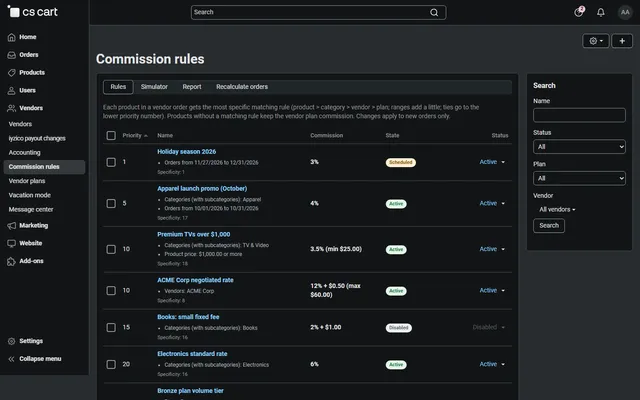
Payout schedules, hold periods, approval batches and SEPA or PayPal payout files, on top of core vendor accounting.
Commission by vendor, category, product, price or monthly sales on top of your vendor plans, with a simulator.
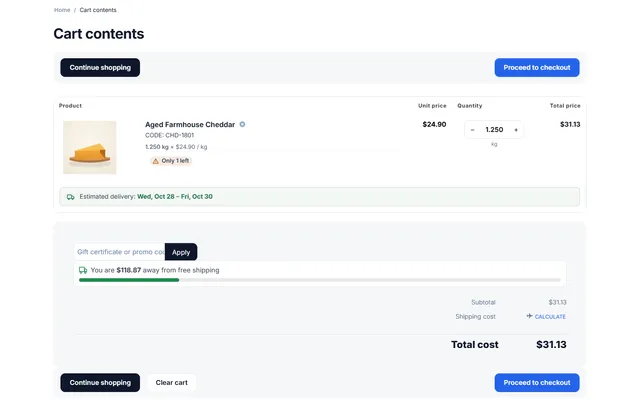
Decimal quantities with a unit, step, presets and price per kg or metre, with exact stock down to 0.001.
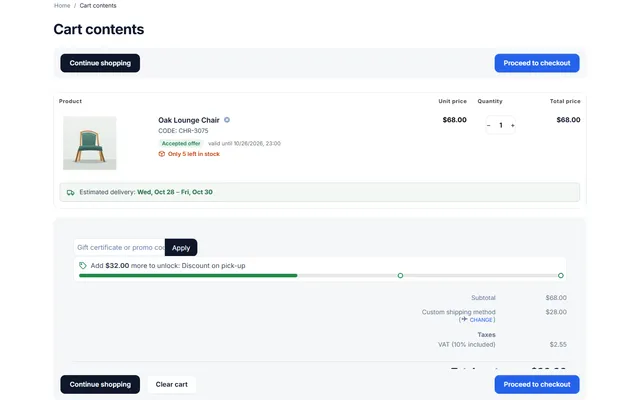
A Make an offer button with counter-offers, deadlines and a single-use agreed price; vendors answer their own offers.
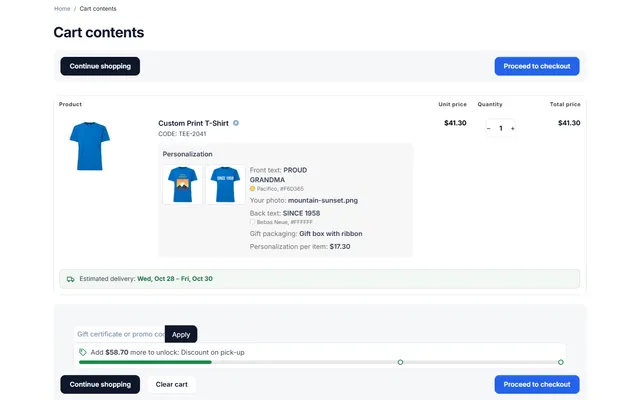
Text, photo and choice fields on print areas with a live preview, server-rendered proofs and surcharges.
XRechnung, Factur-X/ZUGFeRD and Peppol BIS 3.0 e-invoices and credit notes from every order.
Prices, licences, full documentation and instant downloads are on the store.
cs-cart.kaviolabs.com · 245 add-ons · 47 themes
FAQ
No. Guests never see list prices, and pages stay full page cache safe on CS-Cart 4.21.
Variations use the price of their parent product.
Optionally not: you can cap list prices at the regular price.
Yes, with marketplace-wide lists, on CS-Cart and Multi-Vendor 4.17.2 to 4.22.x.
Core sets prices per user group and quantity on each product page. Price lists add named lists in one place, prices for single customers, percent discounts, a discount on all other products, validity dates, priorities, CSV import and a customer price page.
By default the lowest price wins. You can switch to the highest priority list instead, which suits contract prices.
Yes. A 10% catalog promotion gives 10% off the list price. Exclude the trade user group in the promotion’s conditions if that is not what you want.
Use the Import / export tab with a CSV by SKU, up to 200,000 rows per file, and choose merge or replace.
Sorting and the price filter are done by the database for all customers at once. Customers still see and pay their list price.
The product page has the full documentation, screenshots and the changelog.
Kavio Labs
The same standards, the same support desk and one licence portal on every platform we build for.