
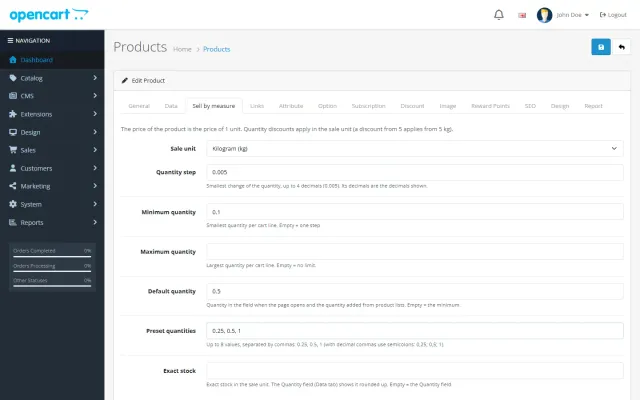
Sell by Weight & Length
Decimal quantities in 15 units, preset buttons, a live line total and exact decimal stock, on OpenCart 4 and 3.
Platforms
 CS-CartAdd-ons and themes for CS-Cart and Multi-Vendor
 OpenCartExtensions and themes for OpenCart 4 and 3
 WooCommercePlugins and themes for WooCommerce
 PrestaShopModules and themes for PrestaShop 8.2 and 9
 ShopifyBuilt for every Shopify plan, billed by Shopify
Stores
OpenCart theme · Atelier
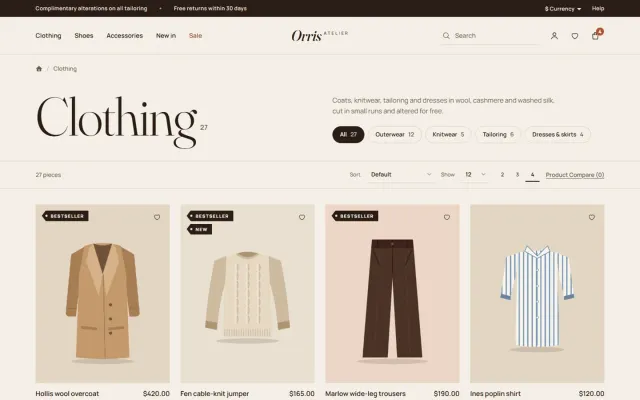
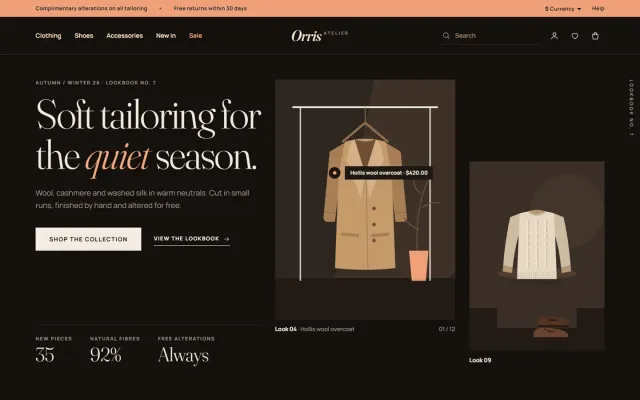
Atelier is built for independent labels, boutiques and concept stores selling clothing, shoes and accessories: an editorial lookbook hero, tall 3:4 product cards with a quick-add size bar, linked colourways and a shop-the-look block. Four presets, no core changes.
The problem
Fashion sells on images and sizes. General-purpose themes show small square photos, hide sold-out sizes and make shoppers open every product to see the colours.
OpenCart also keeps stock per option value, not per colour and size combination, so a coat cannot know that navy in size M is sold out.
Atelier: Fashion Theme for OpenCart
Bone, Noir, Sorbet or Sage. They change the mood, not just the colour: dark editions, solid colour panels, rounded or framed images.
Sell each colour as its own product with a Size option and give the colourways the same Style attribute: every size of every colour has its own stock, and cards show all colours as swatches.
Shoppers hover a card to see the second image, add a size from the quick-add bar, or add a whole look with one button and its total.
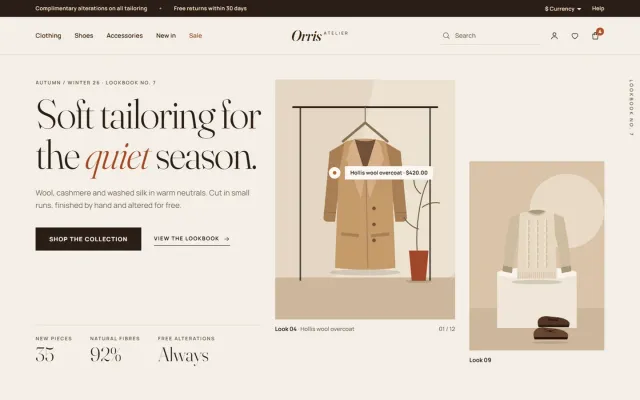
An editorial serif headline with an italic accent, tall 3:4 images and a shop-the-look pin with name and price.
A size bar on the card; sold-out sizes stay visible, struck through.
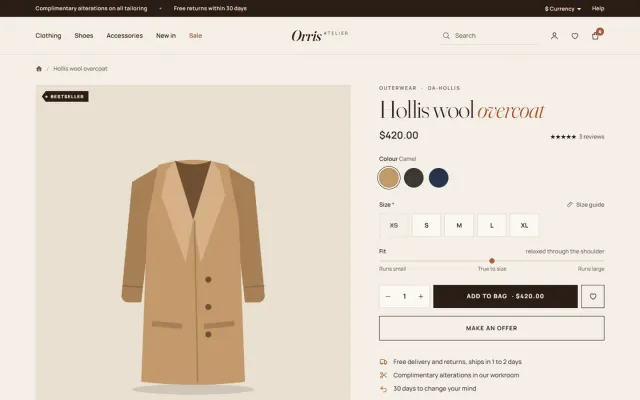
Colourways linked by a Style attribute show as swatches on cards and on the product page.
A look image with numbered dots, the pieces, size selects and one Add all to bag button.
Large gallery, size chips, a fit scale, accordions and a sticky buy bar on phones.
Fraunces and Manrope from your own store; no font CDN requests and no tracking.
Atelier: Fashion Theme for OpenCart
Atelier gives labels, boutiques and concept stores an editorial storefront on standard OpenCart data: Fraunces with italic accents, generous whitespace, 3:4 imagery, and a split lookbook hero with a pulsing shop-the-look pin.
Its cards do real work. They show the second photo on hover, and slide up a quick-add size bar where sold-out sizes stay visible, struck through. Hang-tag labels show New, -20%, Bestseller, Low stock and Sold out, all from core data.
In OpenCart, a colour option shares one photo set and one stock number per option value, which is a poor match for fashion. Atelier uses colour siblings: sell each colour as its own product, with its own stock per size, and link them with one attribute. Cards show every colourway, and the product page switches between them.
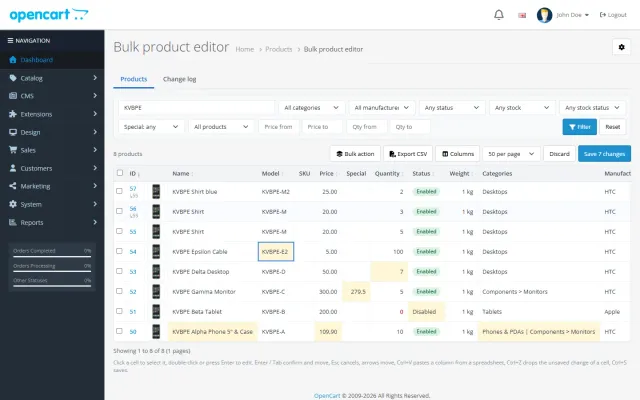
This takes a little more catalog work, and repays it. Each colour gets its own photos, stock, URL and search result. If you are moving from one product per style, plan the change with the Bulk Product Editor before launch.
Category pages have a huge title with the piece count, subcategory chips, a sticky toolbar with sort, and a 2, 3 or 4 column switch. Shop the look places numbered dots on a look image, with a size select per piece and one Add all to bag button.
Four presets change the mood: Bone (paper, espresso and clay), Noir (an evening edition with tracked capitals), Sorbet (blush and oxblood, with rounded images) and Sage (linen sage with passe-partout frames).
The Fashion Store Kit on the packages page adds Advanced Promotions and Abandoned Cart Recovery. Product Personalizer works for monograms.
| General theme | Atelier | |
|---|---|---|
| Quick-add sizes on cards | Custom work | Included |
| Sold-out sizes visible | Rare | Included |
| Colour siblings | Custom work | Included |
| Shop the look | Extension | Included |
Atelier needs strong photography. If your range is broad and price-led, a universal theme on the themes page may suit better. See Atelier and its live demo on the store.
Returns are a major cost in online fashion, and size and fit are a big part of them. Your product data is the cheapest fix.
For search, collection pages with a clear purpose work better than dozens of thin colour pages: "linen summer dresses" rather than a page per shade. Keep sold-out items visible while they will come back, since they can still earn search traffic.
Decide your end-of-size policy. A product with only XS left looks broken on a grid, so consider moving it to a sale page.
Finally, publish a clear returns page. In fashion, many shoppers check it before they buy.
OpenCart 4.0.2.0 to 4.1.0.4 and 3.0.3.8 to 3.0.5.x, one licence for both, tested on 4.1.0.4 and 3.0.5.1. All home sections and texts are set from one settings page, per store. Fraunces and Manrope are self-hosted. Your Theme Editor changes always win.
Try the theme on a copy of your store first. Local development hosts and subdomains of your licensed domain are covered.
Files you edit in the Theme Editor always win, so keep a note of your changes. They are easy to compare after an update.
OpenCart
Fashion and apparel theme for OpenCart 4.x and 3.0.x that reads like a printed lookbook: split lookbook hero, tall 3:4 cards with second image on hover…
OpenCart
The most requested products on this platform. Each one has its own page, and you can buy it straight on the sales site.
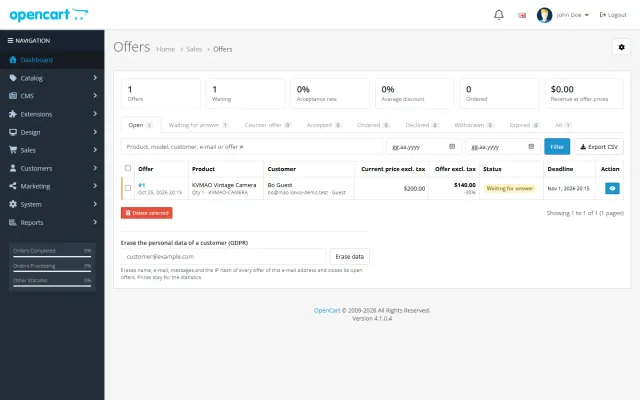
Decimal quantities in 15 units, preset buttons, a live line total and exact decimal stock, on OpenCart 4 and 3.
Shoppers propose a price; you accept, counter or decline, and the agreed price is applied once in the cart.
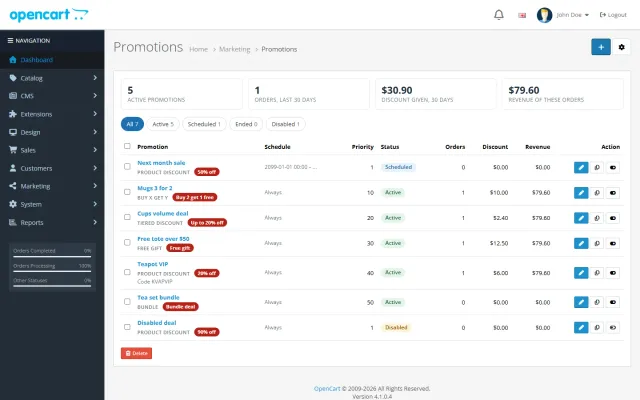
Buy X get Y, tiers, bundles, free gifts and scheduled campaigns with badges and cart nudges.
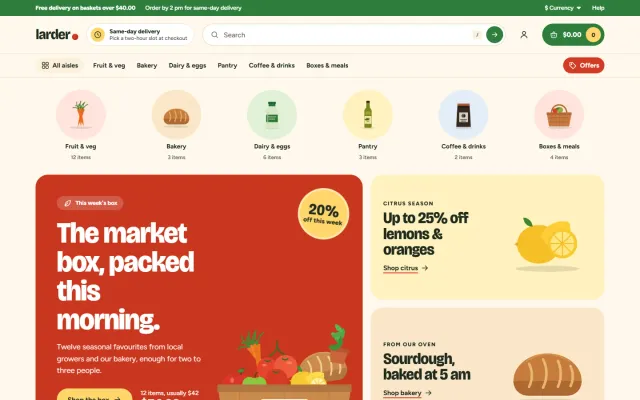
A grocery theme with aisle bubbles, stepper cards with unit prices, recipe add-all and a phone basket bar.
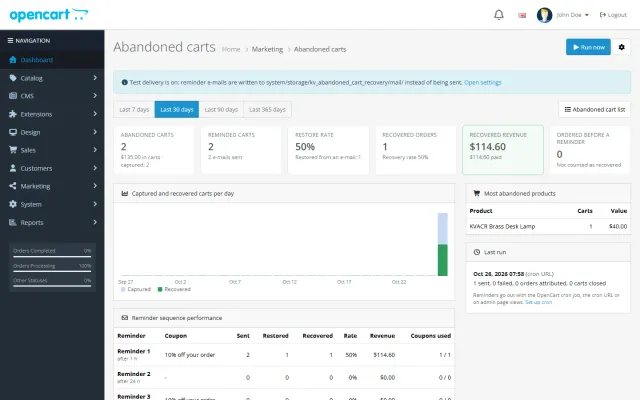
Up to three reminders, single-use coupons, a restore link and a recovered-revenue dashboard.
A spreadsheet grid for prices, specials, stock and options, with bulk actions, preview and undo.
Prices, licences, full documentation and instant downloads are on the store.
opencart.kaviolabs.com · 96 extensions · 16 themes
FAQ
No. It installs as a theme extension with its own templates and events and ships no OCMOD. Uninstalling switches the store back to the stock theme.
OpenCart keeps stock per option value, not per combination. One product per colour with a Size option gives every size of every colour its own stock; the Style attribute links them.
Yes. The offer button appears under Add to bag, and the personalization fields render in the buy box like any other option.
Nothing visible to shoppers. The settings page shows a reminder; updates and support need a valid licence.
No. They stay visible, struck through, on the card and in the size grid.
Yes, as a dialog on the product page, with a fit scale.
Four: Bone, Noir, Sorbet and Sage.
No. The block is part of the theme.
The product page has every preset, screenshots and the documentation.
Kavio Labs
The same standards, the same support desk and one licence portal on every platform we build for.