
Sell by Weight & Length
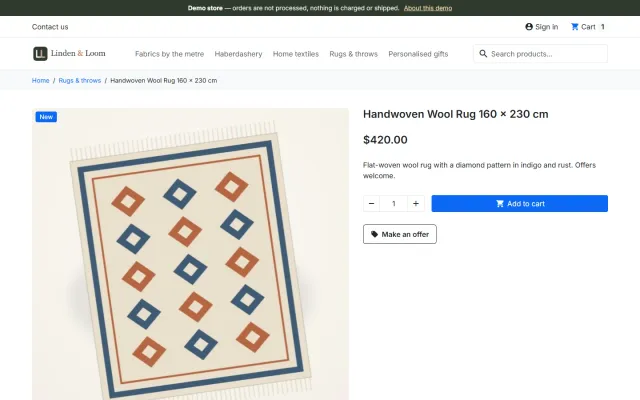
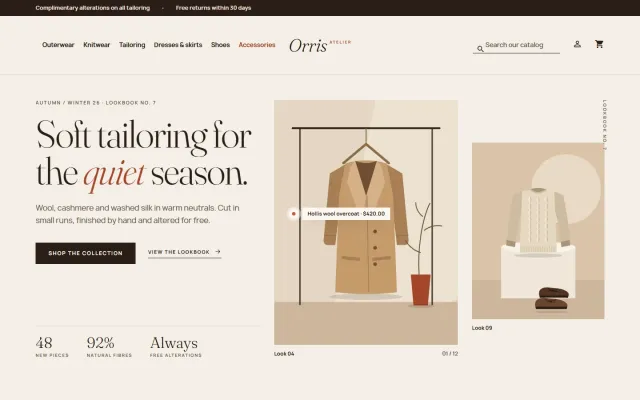
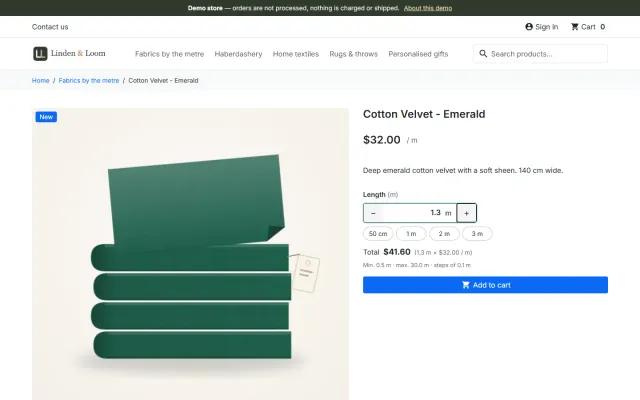
Amounts like 1.25 kg or 2.40 m with quick amounts, a live total, exact decimal stock and real shipping weight.
Platforms
 CS-CartAdd-ons and themes for CS-Cart and Multi-Vendor
 OpenCartExtensions and themes for OpenCart 4 and 3
 WooCommercePlugins and themes for WooCommerce
 PrestaShopModules and themes for PrestaShop 8.2 and 9
 ShopifyBuilt for every Shopify plan, billed by Shopify
Stores
PrestaShop theme · Kite
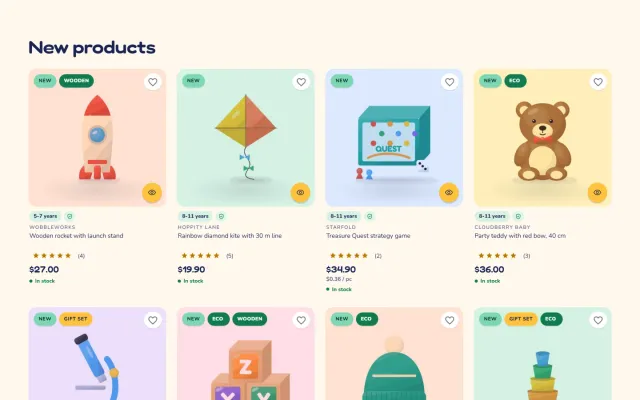
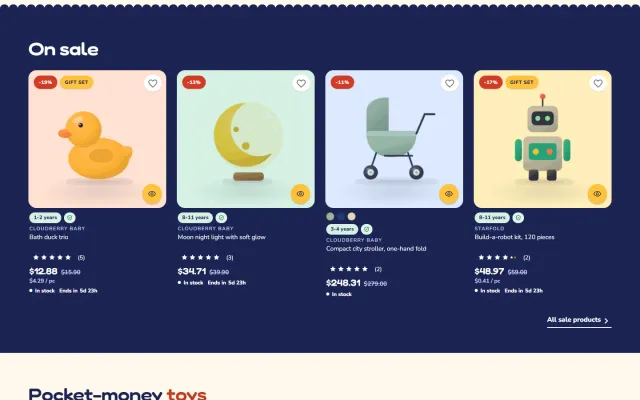
Kite is made for shops where parents and gift givers shop by age and want to know a toy is safe before they buy. A campaign hero with brand deal tiles and a countdown, a Shop by age growth chart, a gift finder that works in the browser, pastel toy-box cards with an age chip, a safety shield and a price per piece, a boxed small-parts warning and a Make it a gift set builder. A child theme of Classic, so one package runs on PrestaShop 8.2 and 9.x.
The problem
Parents ask what suits a five-year-old, and gift givers start from a budget. A general theme offers categories and a search box, so they scroll a long grid hoping to spot something suitable.
Safety has to be visible too. A small-parts warning or a safety-tested note belongs on the card and next to the buy button, not buried in a long description.
Kite: Toys & Baby Store Theme for PrestaShop
In Design > Theme & Logo click Add new theme, upload the zip and choose Use this theme. The companion module Kite theme settings is installed for you; then regenerate the thumbnails once.
In the module settings choose Playroom, Nursery, Woodland or Bedtime, then set the campaign hero, age steps, trust row, interest tiles, gift set and brands band. One click imports Skylark Toys & Baby: 62 products from eight fictional brands.
Features named Age, Interest, Safety tested, Small parts warning and Pieces drive the age chips, the gift finder, the shields, the warning box and the price per piece. Sale countdowns come from specific prices with an end date.
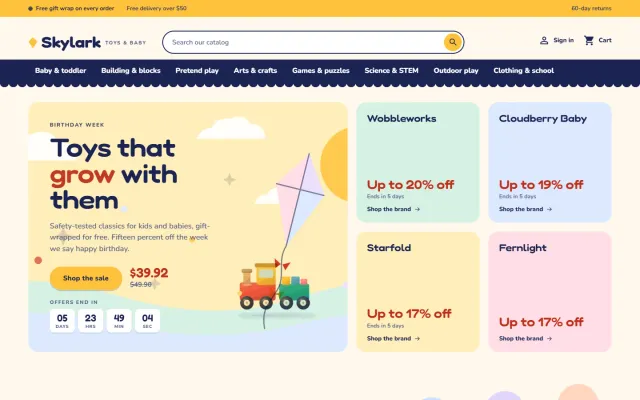
A large hero with a button, the price of a campaign product and a countdown, next to four brand deal tiles that show the biggest running discount of each brand and the date it ends.
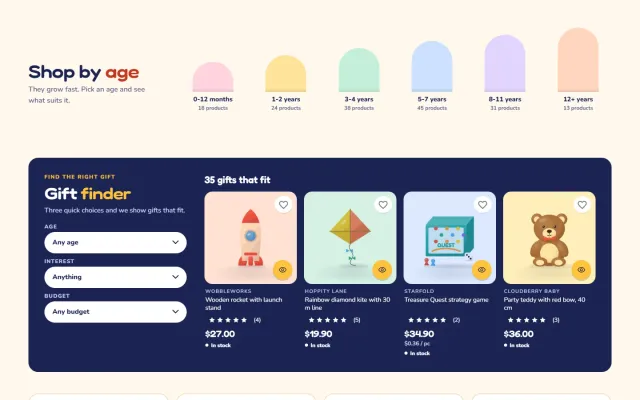
The age steps as pastel bars that grow taller with age, like a height chart on a door frame, each showing its product count and opening a search.
Pick an age, an interest and a budget and matching gifts appear at once. The browser filters about thirty products, so there is no page reload.
Six pastel wells with an age chip, a safety shield, colour swatches, a price per piece such as $2.00 / pc and labels for sales, New, Eco, Wooden and Gift set.
Safety chips on the product page and a boxed small-parts notice, built from features you fill in yourself, plus a delivery panel with free gift wrap and returns.
Tick two to four toys, see the live total and add the set with one button. Playroom, Nursery, Woodland and Bedtime meet WCAG AA contrast, and the fonts are self-hosted. Ready for the PrestaShop 9.2 one-page checkout.
Kite: Toys & Baby Store Theme for PrestaShop
Kite lets people shop by age. A growth chart with product counts is built from a feature you choose, and the gift finder takes an age, an interest and a budget, and shows the matching gifts instantly, without a page load.
Pastel toy-box cards carry an age chip, safety shield, round colour swatches, price per piece such as "$2.00 / pc", labels for sale, New, Eco, Wooden and Gift set, and sale countdowns. The product page has a delivery panel with dates, gift wrap and returns, plus Safety and care and In the box tabs.
| Element | Needs |
|---|---|
| Growth chart, gift finder | Features named Age and Interest |
| Safety chips | Features such as Safety tested |
| Boxed notice | A small parts warning feature |
| Colour swatches | A colour attribute group, with colours set |
Without this data, those elements are simply not shown.
Kite does not make toys safe. Safety chips show whatever you enter, so only list claims you can prove.
Make it a gift set takes two to four products, with a live total and one Add gift set to cart. A pocket-money row, shop by interest tiles, an offers band with countdowns and a wish list band fill out the home page.
| Classic | Kite | |
|---|---|---|
| Shop by age | No | From a feature |
| Gift finder | No | Included |
| Gift set builder | No | Included |
| Safety chips | No | From features |
Presets at WCAG AA contrast: Playroom, Nursery, Woodland and Bedtime. The Kite Store Kit on the packages page adds Product Personalizer for names on toys and Make an Offer. Get Kite on the store. Also on OpenCart and WooCommerce.
Parents and gift buyers want to be sure they are buying the right thing, and that it is safe. Prepare this data first.
For search, gift pages by age and budget are worth building: "gifts for a 3 year old under 30". Shoppers type exactly that, and a helpful page has a better chance there than a plain category.
Seasonality is strong in this sector, so plan stock and content several weeks before peak dates, and publish your last-order dates for delivery.
Baby products also bring repeat custom. Keep an eye on what customers reorder, and consider how to remind them when a child moves up an age range.
PrestaShop 8.2 and 9.x, as a child theme of Classic, including the 9.2 one-page checkout. No core changes and no overrides. Fredoka and Nunito ship with it. The demo, Skylark Toys & Baby, has one-click removal. No product photos are included.
Try the theme on a copy of your shop first. Local development hosts and subdomains of your licensed domain are covered.
A child theme keeps your changes apart from Classic, so a PrestaShop update does not overwrite them. Avoid editing Classic itself.
PrestaShop
Toys, kids and baby store theme for PrestaShop 8.2 and 9.x: a Shop by age growth chart, a gift finder by age, interest and budget, pastel toy-box product…
PrestaShop
The most requested products on this platform. Each one has its own page, and you can buy it straight on the sales site.
Amounts like 1.25 kg or 2.40 m with quick amounts, a live total, exact decimal stock and real shipping weight.
A Make an offer button with negotiation rounds; the agreed price is a specific price bound to one cart.
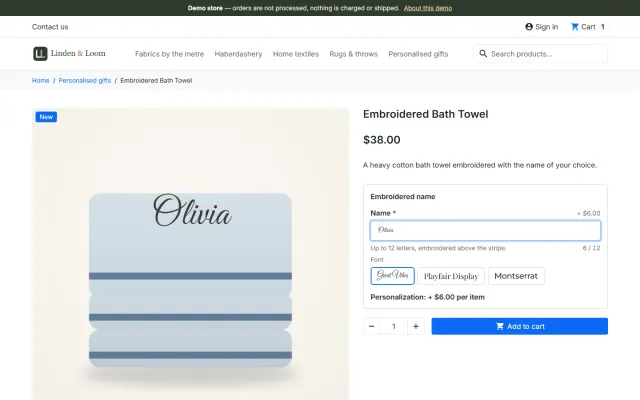
Names, dates and initials previewed on the product image, with fees checked on the server and a production sheet.
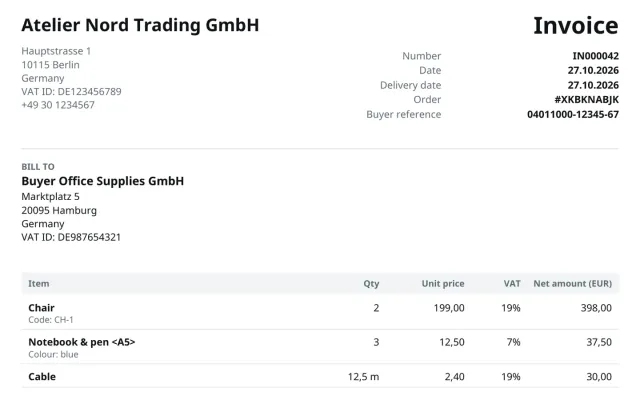
Factur-X/ZUGFeRD, XRechnung and Peppol BIS 3.0 e-invoices with your PrestaShop invoice numbers.
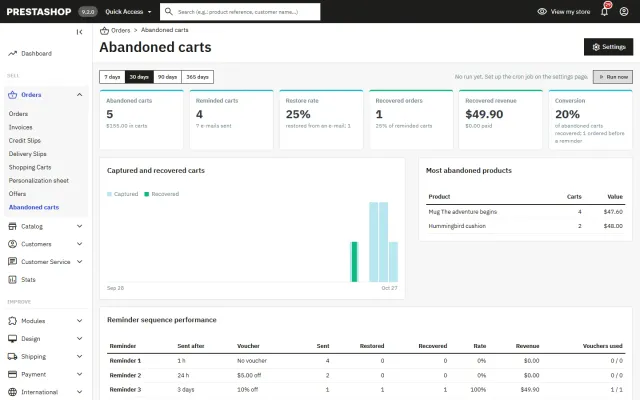
Up to three reminders, single-use vouchers, a signed restore link and recovered revenue per reminder.
A lookbook-style fashion theme for Classic-based shops, with colour swatches, size chips and four presets.
Prices, licences, full documentation and instant downloads are on the store.
prestashop.kaviolabs.com · 23 modules · 11 themes
FAQ
No. It is a child theme of Classic plus a small module. It edits no core files, no other module and no Classic file, and it uses no overrides.
Yes. Classic ships with both, so one code base runs on 8.2 (PHP 7.2.5 to 8.1) and on 9.0 to 9.2 (PHP 8.1 to 8.5). It also works with the classic five-step checkout and the 9.2 one-page checkout.
The chip comes from a feature named Age and the shield from a feature named Safety tested. Products without them show no chip, and the same goes for the price per piece, which needs a feature named Pieces.
No. The shields and the small-parts notice show what you enter in your features, so only list claims you can prove and follow the toy safety rules of the countries you sell to.
Yes. A name field and its live preview on the product picture suit a wooden toy or a lunch box, and the offer button sits next to Add to cart in the theme colours. Both are separate products and Kite does not depend on them.
The shop keeps working. Templates and styles stay; the home page sections, the price per piece, labels, countdowns, product page extras and the presets other than Playroom are switched off until the licence is valid again.
No. Gifts appear instantly.
A feature you choose, such as Age. Without it, the chart is not shown.
No. Chips show what you enter, so only list claims you can prove.
The product page has screenshots of every preset, the full documentation and the changelog.
Kavio Labs
The same standards, the same support desk and one licence portal on every platform we build for.