
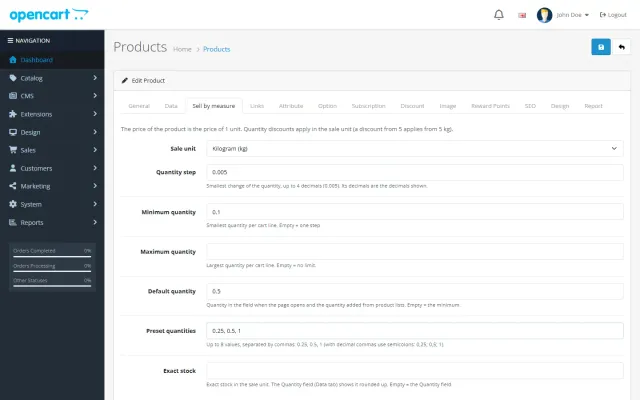
Sell by Weight & Length
Decimal quantities in 15 units, preset buttons, a live line total and exact decimal stock, on OpenCart 4 and 3.
Platforms
 CS-CartAdd-ons and themes for CS-Cart and Multi-Vendor
 OpenCartExtensions and themes for OpenCart 4 and 3
 WooCommercePlugins and themes for WooCommerce
 PrestaShopModules and themes for PrestaShop 8.2 and 9
 ShopifyBuilt for every Shopify plan, billed by Shopify
Stores
OpenCart theme · Kite
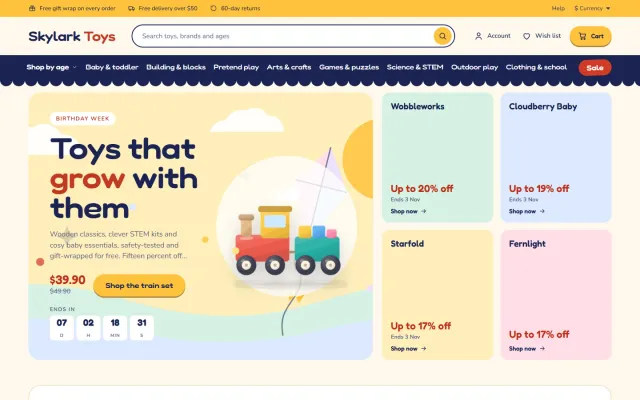
Kite is a classic, conversion-first theme for kids, toys and baby stores, built for shops where parents and gift givers shop by age and want to know a toy is safe before they buy. Shop by age, a growth chart, a gift finder, pastel toy-box cards with an age chip and a safety shield, and a Make it a gift set builder. No core changes and no OCMOD.
The problem
Parents shop by age and gift givers shop by budget and interest. A general theme offers categories and a search box, so they scroll a long grid hoping to spot something suitable.
Safety matters too: a small-parts warning or a safety-tested note has to be visible on the card and under the title, not hidden in the description.
Kite: Toys & Baby Store Theme for OpenCart
Upload the package in Extensions > Installer, install Kite under Extensions > Extensions > Themes, pick a preset and set Kite as the store theme in System > Settings.
The age steps (0-12 months, 1-2 years, 3-4 years and so on) come from a filter group you choose. They drive the Shop by age panel and the growth chart.
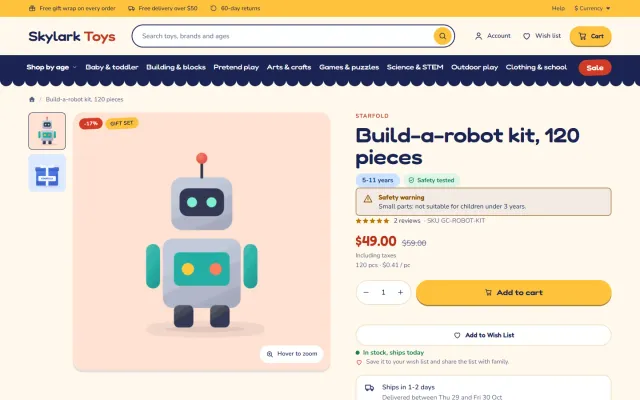
A Safety attribute becomes a shield on cards and chips on the product page; a Warning attribute becomes a boxed notice under the title.
The first menu item opens the age steps as coloured tiles plus your biggest brands, and the home page shows the same steps as bars that grow taller with age.
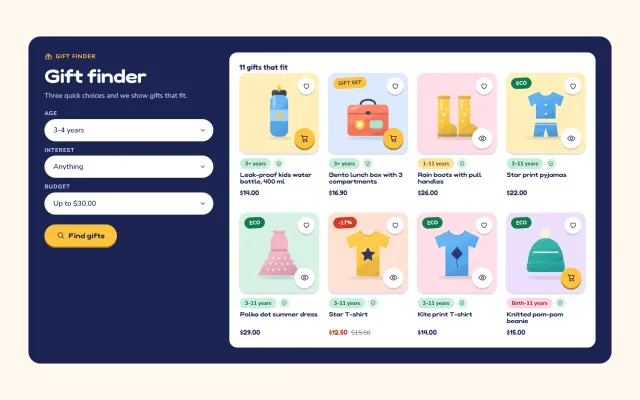
Three choosers (age, interest, budget) narrow a pool of about 24 products in the browser with no page load and answer with real product cards.
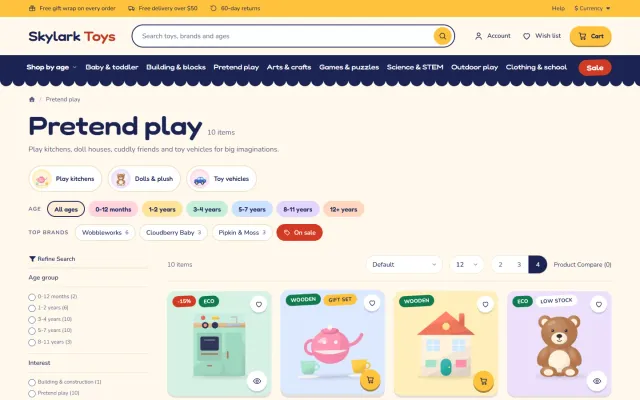
A pastel well with an age chip, a safety shield, colour swatches, brand line, rating, price and a price per piece, plus sale, New, Eco, Wooden, Gift set and Low stock badges.
Safety chips and a boxed small-parts warning under the title, built from attributes you already fill in.
A gift wrap line in the delivery panel, a labelled wish list button and a gift set builder with one Add to cart.
Playroom, Nursery, Woodland and Bedtime pass WCAG AA contrast. Fredoka and Nunito are served from your own store.
Kite: Toys & Baby Store Theme for OpenCart
Parents and gift givers start from a child’s age. Kite gives them a Shop by age panel and a growth chart built from a filter group, with product counts and links to filtered categories. The gift finder takes an age, an interest and a budget, and the matching gifts appear instantly, without a page load.
Toy-box cards use pastel wells in six tones, with an age chip, safety shield, colour swatches, price per piece such as "$0.45 / pc", and badges for sale, New, Eco, Wooden, Gift set and Low stock.
| Element | Needs |
|---|---|
| Shop by age, growth chart | An Age filter group |
| Gift finder | Age and Interest filter groups |
| Safety shield and chips | A Safety attribute |
| Boxed small-parts notice | A Warning attribute |
| Colour swatches | Colour option names, or images |
Without this data, those elements are simply not shown.
Kite does not make toys safe. The Safety text is whatever you enter, so only list claims you can prove.
The product page has hover zoom, age and safety chips, a colour picker with a large preview, size chips, delivery dates, and tabs for safety and care and what is in the box.
The delivery panel has a gift wrap line, the wish list button is labelled, and a wish list band sits on the home page. Make it a gift set adds several items with one Add to cart. A pocket-money row suits small purchases. Home sections also include a campaign hero with countdown and brand deal tiles, a sale band with countdowns, brands, play ideas and reviews.
Four presets at WCAG AA text contrast: Playroom, Nursery, Woodland and Bedtime. Fredoka and Nunito are self-hosted.
The Kite Store Kit on the packages page adds Product Personalizer for names on gifts, and Abandoned Cart Recovery for gift buyers who get distracted.
| General theme | Kite | |
|---|---|---|
| Shop by age | Categories by hand | From a filter group |
| Gift finder | Extension | Included |
| Small-parts notice | Custom work | From an attribute |
| Gift set builder | Extension | Included |
See Kite on the store. Also on WooCommerce and PrestaShop.
Parents and gift buyers want to be sure they are buying the right thing, and that it is safe. Prepare this data first.
For search, gift pages by age and budget are worth building: "gifts for a 3 year old under 30". Shoppers type exactly that, and a helpful page has a better chance there than a plain category.
Seasonality is strong in this sector, so plan stock and content several weeks before peak dates, and publish your last-order dates for delivery.
Baby products also bring repeat custom. Keep an eye on what customers reorder, and consider how to remind them when a child moves up an age range.
OpenCart 4.0.2.0 to 4.1.x and 3.0.3.x to 3.0.5.x, one licence, no core changes, no OCMOD. There is a 14-day trial, and a licence problem never blocks your store or admin.
Try the theme on a copy of your store first. Local development hosts and subdomains of your licensed domain are covered.
Files you edit in the Theme Editor always win, so keep a note of your changes. They are easy to compare after an update.
OpenCart
Toys, kids and baby store theme for OpenCart 4.x and 3.0.x: a Shop by age panel and growth chart, a gift finder by age, interest and budget, pastel toy-box…
OpenCart
The most requested products on this platform. Each one has its own page, and you can buy it straight on the sales site.
Decimal quantities in 15 units, preset buttons, a live line total and exact decimal stock, on OpenCart 4 and 3.
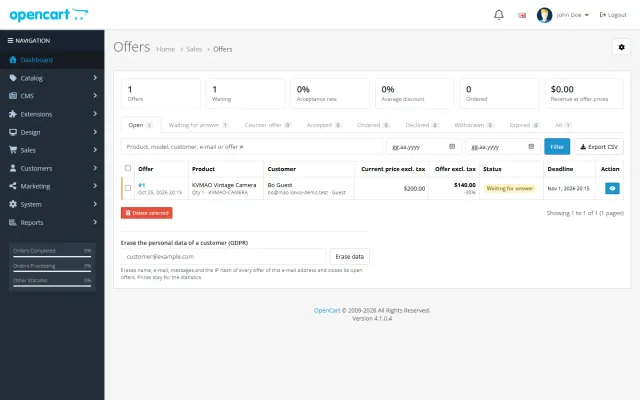
Shoppers propose a price; you accept, counter or decline, and the agreed price is applied once in the cart.
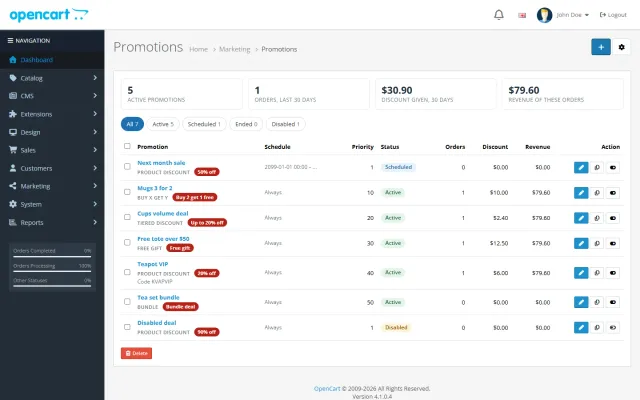
Buy X get Y, tiers, bundles, free gifts and scheduled campaigns with badges and cart nudges.
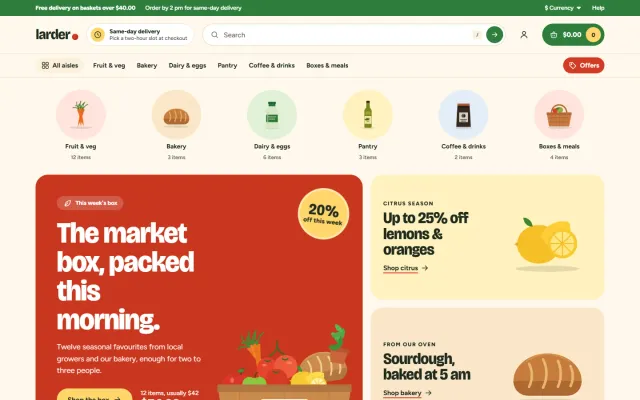
A grocery theme with aisle bubbles, stepper cards with unit prices, recipe add-all and a phone basket bar.
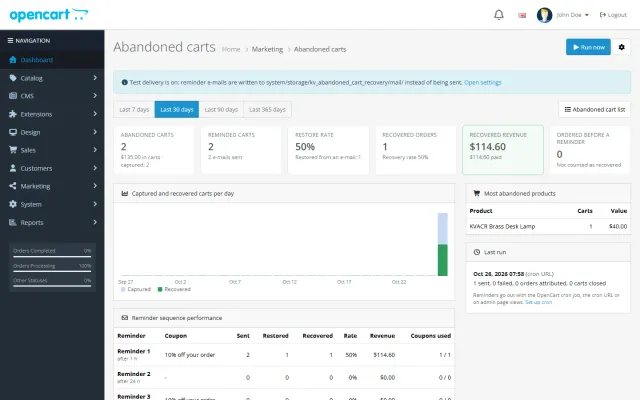
Up to three reminders, single-use coupons, a restore link and a recovered-revenue dashboard.
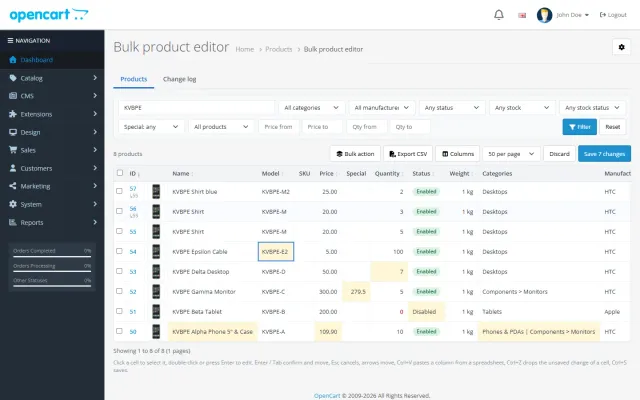
A spreadsheet grid for prices, specials, stock and options, with bulk actions, preview and undo.
Prices, licences, full documentation and instant downloads are on the store.
opencart.kaviolabs.com · 96 extensions · 16 themes
FAQ
No. It is a theme extension on OpenCart 4 and a theme folder plus a theme extension on OpenCart 3. A licence problem never blocks the store or the admin.
OpenCart 4.0.2.0 to 4.1.x on Bootstrap 5 and 3.0.3.x to 3.0.5.x on Bootstrap 3. One licence covers both packages.
No. It narrows a pool of bestsellers, new arrivals and offers from your own catalogue, right in the browser.
No. The shields and warnings display the Safety and Warning attributes that you enter; the information is yours.
The first 14 days are a trial. Without a valid licence the store keeps working and the settings page shows a reminder.
No. Gifts appear instantly, without a page load.
They need an Age filter group assigned to products. Without it, those elements are not shown.
No. The Safety text is whatever you enter, so only list claims you can prove.
Playroom, Nursery, Woodland and Bedtime.
The product page has screenshots of every preset, the full documentation and the changelog.
Kavio Labs
The same standards, the same support desk and one licence portal on every platform we build for.