
Sell by Weight & Length
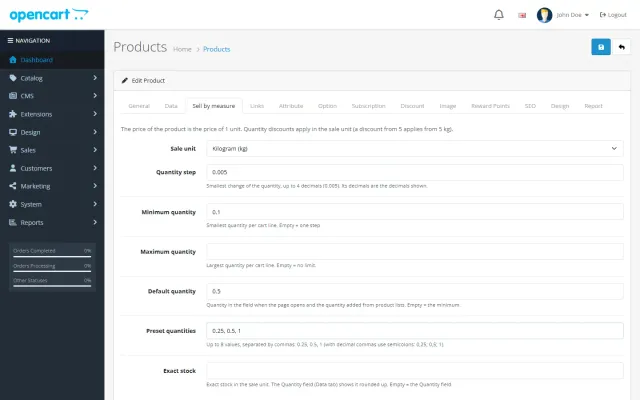
Decimal quantities in 15 units, preset buttons, a live line total and exact decimal stock, on OpenCart 4 and 3.
Platforms
 CS-CartAdd-ons and themes for CS-Cart and Multi-Vendor
 OpenCartExtensions and themes for OpenCart 4 and 3
 WooCommercePlugins and themes for WooCommerce
 PrestaShopModules and themes for PrestaShop 8.2 and 9
 ShopifyBuilt for every Shopify plan, billed by Shopify
Stores
OpenCart theme · Volt
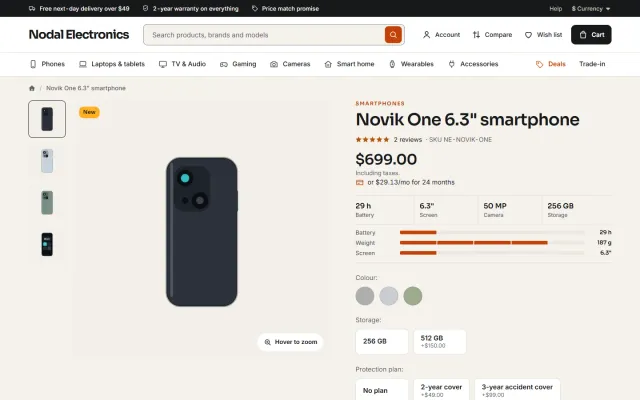
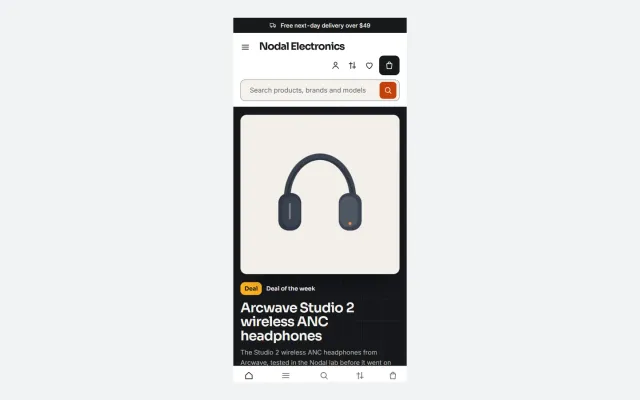
Volt is built for stores selling phones, laptops, TVs, audio, gaming, cameras, smart home and accessories, where shoppers compare specs, hunt for deals and want a clear price. A category icon bar, a deal stage with countdowns, product cards with spec meters, a compare tray and a monthly price line. No core changes and no OCMOD.
The problem
Electronics shoppers compare before they buy. A general theme gives them a photo and a price, so they open five tabs to line up battery life, storage and screen size, and they buy where the numbers are easiest to find.
They also respond to a deal that looks like a deal: a real saving, a price per month and a clock that runs out. A flat grid hides all three.
Volt: Electronics Superstore Theme for OpenCart
Upload the package in Extensions > Installer, install Volt under Extensions > Extensions > Themes, choose a preset and set Volt as the store theme in System > Settings.
Spec meters on the cards are built from numeric attributes you name on the settings page, for example Battery, Weight or Screen. Bars are relative to the rest of your catalogue.
The deal stage and the countdown tiles run on the end date of the special price you already set on a product. Switch each home section on or off on the settings page.
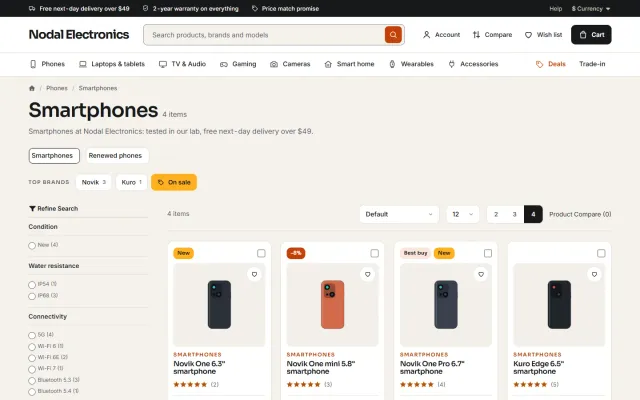
Categories marked Show in top menu become an icon bar; their sub-categories open in a panel with a brand column and the best deal of the category.
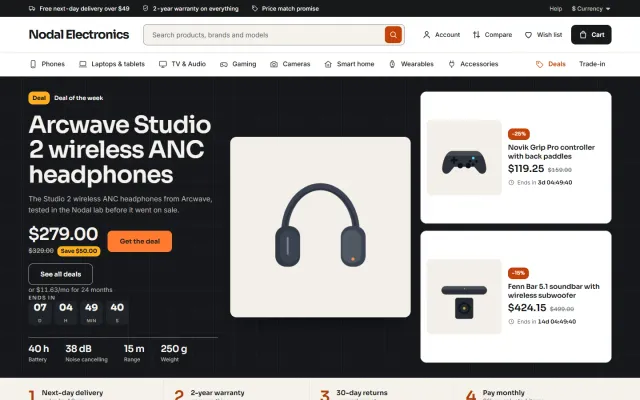
A dark band with one big deal (image, price, saving pill, monthly price, countdown and four key specs) and two countdown deal tiles beside it.
Three segmented bars per card, built from numeric attributes you choose. For weight and similar values, a lower number fills more.
A tick on every card collects two to four products in a tray at the bottom of the page; Compare now opens the core compare page.
Gallery with hover zoom, key specs, spec meters, colour swatches, chips for storage and protection plans, a delivery panel, warranty and returns lines and Frequently bought together.
Daylight, Signal, Ember and Carbon change corners, borders, buttons and the whole page tone. Sora and Inter are served from your own store.
Volt: Electronics Superstore Theme for OpenCart
Volt is for stores selling phones, laptops, TVs, audio, gaming, cameras and smart home. The category icon bar opens mega panels with subcategories, the brands of the category and its best deal. A deal stage leads the home page with a big deal, saving, monthly price, countdown and key specs, plus two countdown deal tiles.
Spec meter cards show segmented bars built from your numeric attributes, relative to your catalog. Tick two to four products and the compare tray opens the core compare page.
Meters and key specs need numeric attributes on your products. Without them, cards simply show no meter rows. Plan attributes before importing, and use the same names across a category.
| Element | Source |
|---|---|
| Spec meters | Numeric attributes |
| Compare tray | Core compare page |
| Countdown | Special price end date |
| Monthly line | Price, with months and a minimum price set in the theme |
The monthly price line and the trade-in band are display elements. They do not create a payment plan or value devices. Set months to 0 to switch off the line.
Home sections include a trust row, deals of the day, brand stores, tabbed products, shop by category, head to head, a trade-in band, a Complete your setup checklist, reviews, and lab notes with score rings. The product page has hover zoom, key specs, meters, swatches and chips for storage or protection plans, an in-stock line, delivery dates, and warranty and returns lines.
Four presets are included: Daylight, Signal, Ember and Carbon. Sora and Inter are self-hosted.
| General theme | Volt | |
|---|---|---|
| Spec meters on cards | Custom work | From attributes |
| Compare tray | Basic link | Included |
| Category mega panels with brands | Extension | Included |
| Timed deal tiles | Extension | Included |
The Volt Store Kit on the packages page adds Make an Offer and Abandoned Cart Recovery. For a store that mixes many sectors, look at the universal themes on the themes page. See Volt on the store. Also on WooCommerce and PrestaShop.
Electronics buyers are informed, and they compare you with large retailers in another tab. You will not win every price comparison, so make your pages more useful.
For search, buying guides and comparisons bring in shoppers early: "best budget noise-cancelling headphones", or a comparison of two models you stock. Keep them current, because old specs lose trust quickly.
Be careful with discount claims. In many markets a reduction must be measured against a real earlier price. Use real sale prices and real end dates.
Accessories deserve attention too. Link them from the product page and in the cart, so a buyer does not have to look elsewhere for the case or cable.
OpenCart 4.0.2.0 to 4.1.x and 3.0.3.x to 3.0.5.x, one licence, no core changes, no OCMOD. There is a 14-day trial, and a licence problem never blocks your store or admin.
Try the theme on a copy of your store first. Local development hosts and subdomains of your licensed domain are covered.
Files you edit in the Theme Editor always win, so keep a note of your changes. They are easy to compare after an update.
OpenCart
Electronics and gadgets theme for OpenCart 4.x and 3.0.x: category icon bar with brand and top-deal mega panels, a dark deal stage with countdown deal…
OpenCart
The most requested products on this platform. Each one has its own page, and you can buy it straight on the sales site.
Decimal quantities in 15 units, preset buttons, a live line total and exact decimal stock, on OpenCart 4 and 3.
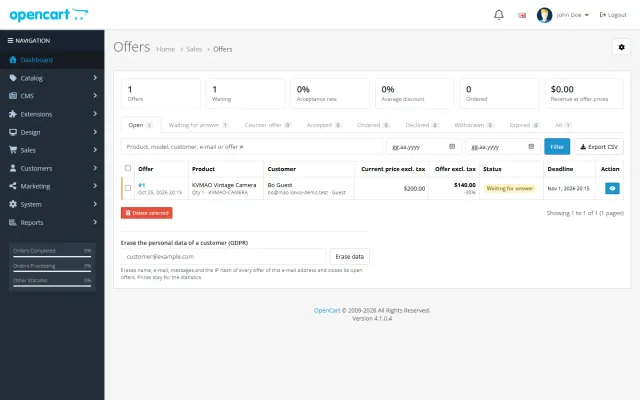
Shoppers propose a price; you accept, counter or decline, and the agreed price is applied once in the cart.
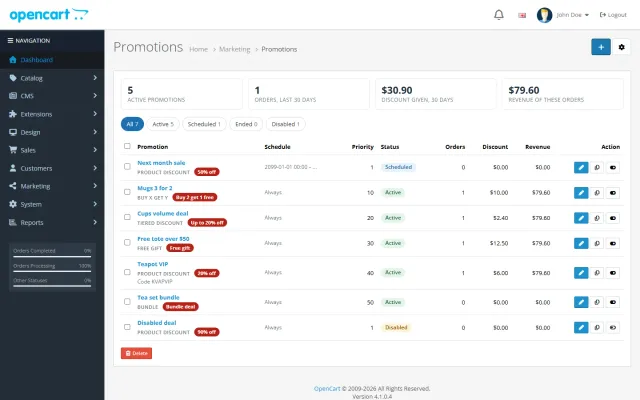
Buy X get Y, tiers, bundles, free gifts and scheduled campaigns with badges and cart nudges.
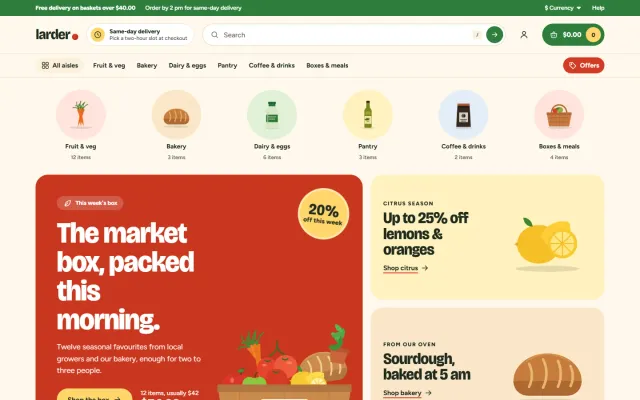
A grocery theme with aisle bubbles, stepper cards with unit prices, recipe add-all and a phone basket bar.
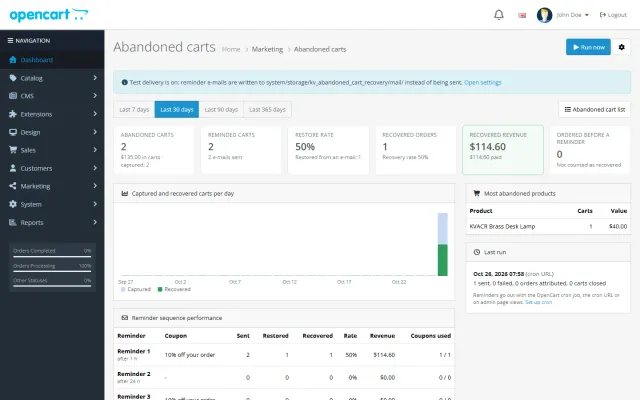
Up to three reminders, single-use coupons, a restore link and a recovered-revenue dashboard.
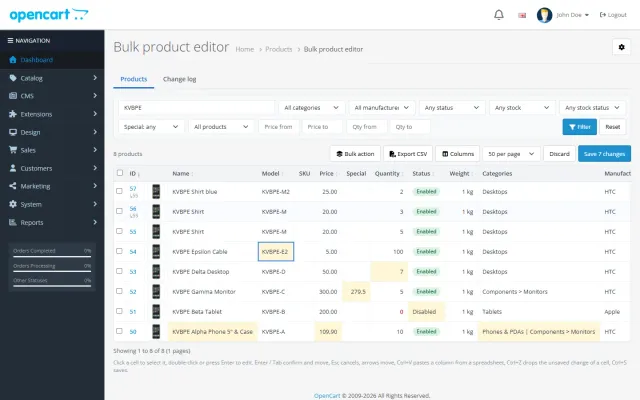
A spreadsheet grid for prices, specials, stock and options, with bulk actions, preview and undo.
Prices, licences, full documentation and instant downloads are on the store.
opencart.kaviolabs.com · 96 extensions · 16 themes
FAQ
No. The line "or $41.67/mo for 24 months" is a display line for prices above a minimum you set; checkout charges the full price. Connect a financing provider for real instalments.
Yes. It collects products in the browser and opens the core OpenCart compare page.
No. It is a theme extension on OpenCart 4 and a theme folder plus a theme extension on OpenCart 3. A licence problem never blocks the store or the admin.
OpenCart 4.0.2.0 to 4.1.x and 3.0.3.x to 3.0.5.x. One licence covers both packages.
The bars come from the numeric attributes you name on the settings page. Products without those attributes show a plain card.
Yes. Spec meters and the compare tray each have their own switch in the General tab.
Tick two to four products, and the tray opens the core compare page.
No. The trade-in band is a display element. Point it at your own page.
The product page has screenshots of every preset, the full documentation and the changelog.
Kavio Labs
The same standards, the same support desk and one licence portal on every platform we build for.