
Sell by Measure
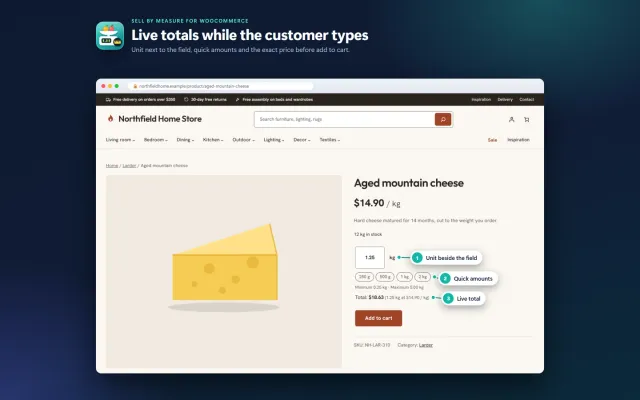
Decimal quantities like 1.25 kg, quick amounts, length × width and exact decimal stock, with the block checkout.
Platforms
 CS-CartAdd-ons and themes for CS-Cart and Multi-Vendor
 OpenCartExtensions and themes for OpenCart 4 and 3
 WooCommercePlugins and themes for WooCommerce
 PrestaShopModules and themes for PrestaShop 8.2 and 9
 ShopifyBuilt for every Shopify plan, billed by Shopify
Stores
WooCommerce theme · Axle
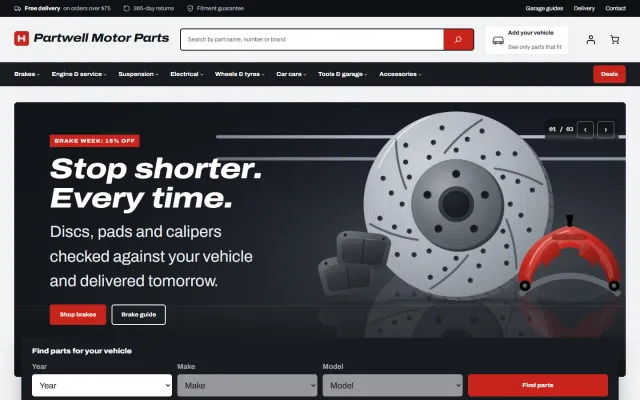
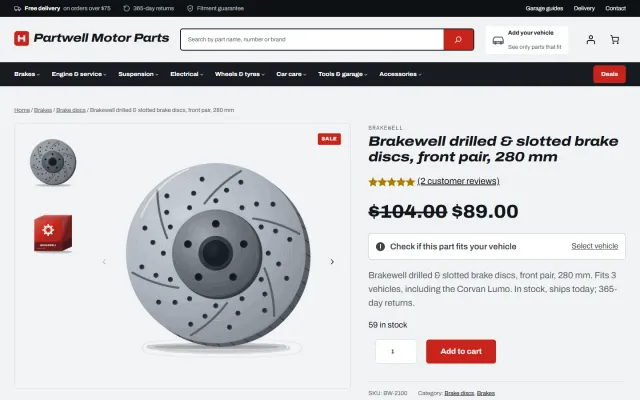
Axle is built for stores selling brakes, service parts, batteries, lighting, tyres, wheels, car care and tools: a garage finder in the header, a fitment check on every product page, filters, a category mega menu and a minimal checkout. Four styles, one-click demo content, no template overrides to maintain.
The problem
Parts shoppers arrive with a car, not a browsing mood. General-purpose themes make them search by name, open every product to check compatibility and leave when the answer is unclear.
They also expect the usual shop furniture in the usual places: promise bar, search, filters by brand and price, mega menu, tabs with specifications, and a short checkout.
Axle: Auto Parts Theme for WooCommerce
Activate Axle and choose Redline, Pitlane, Overland or Nightshift in Appearance > Editor > Styles. Import the demo content with one click to see a full parts store, and remove it again when you are done.
Pair it with Vehicle Fitment & YMM Search for WooCommerce: the garage finder, the saved vehicle in the header and the fit check come from that plugin and are styled by the theme.
Templates, template parts, patterns, colours and fonts are all editable in Appearance > Editor. Change the hero slides, the Shop by system tiles or the brand strip without code.
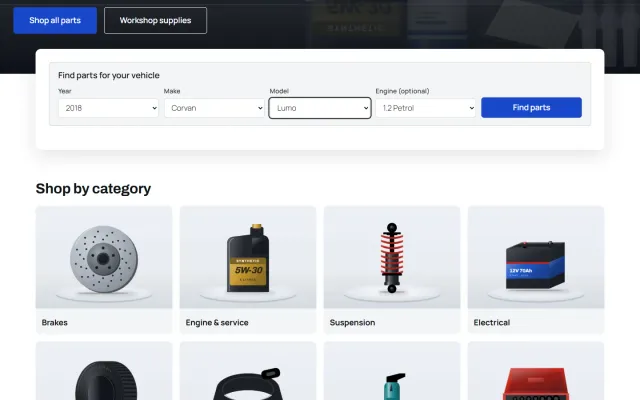
A My garage dropdown in the header and a fitment check on every product page, shown when Vehicle Fitment & YMM Search is active.
Hero slider, garage finder, promise strip, Shop by system tiles, deals, best sellers, brand strip, driver reviews and guides, all as patterns.
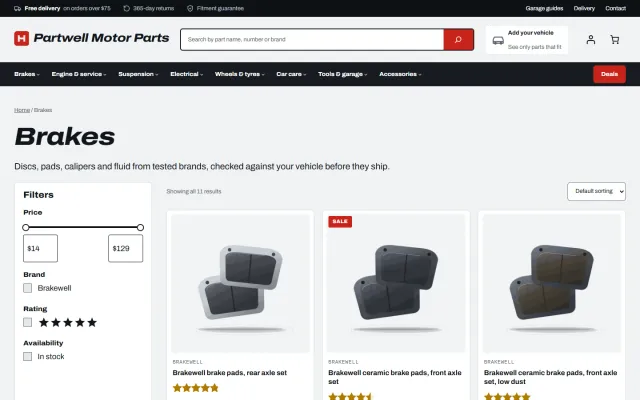
Product filters for price, brand, rating and availability, sorting, and a category bar with drop-down menus.
Gallery with thumbnails, brand, price and saving, add to cart, tabs for description, vehicle fitment, specifications and reviews, and related parts.
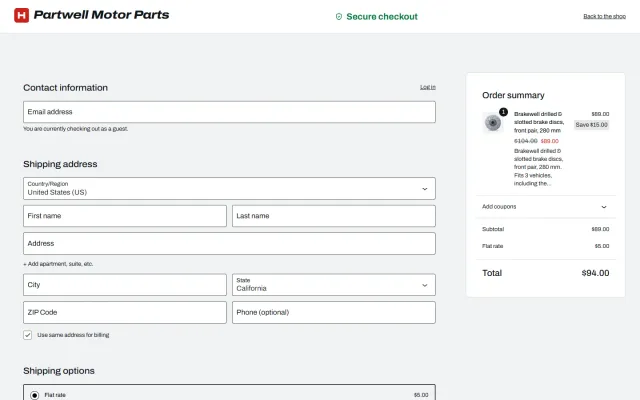
The WooCommerce Cart and Checkout blocks, styled, with a minimal secure checkout header. Neutral to High-Performance Order Storage.
Redline, Pitlane, Overland and Nightshift. Archivo and IBM Plex Mono are served from your own site, with no font CDN requests.
Axle: Auto Parts Theme for WooCommerce
A parts shopper arrives with a vehicle in mind. A general theme puts a slider and bestsellers first, and leaves them to find the right category. Axle starts from the vehicle: a My garage dropdown in the header, a garage finder under the hero, then Shop by system tiles for brakes, engine and so on, plus deals and brands. It has a category bar with drop-down menus, since parts catalogs run deep.
The product page keeps what buyers check: the fit result, a vehicle fitment tab and specifications. Everything else is a classic store layout, clean and familiar, with a minimal secure header at checkout.
The theme needs no other plugin. Without Vehicle Fitment & YMM Search, it is a complete parts-store theme, and the garage finder, fit check and fitment tab simply do not appear. With the plugin, the Vehicle search block shows up in three places, in the header dropdown, on the home page under the hero, and wherever you insert it, styled to match. You import the fitment data with the plugin’s CSV import; the theme adds no data of its own.
The Axle Store Kit bundles the theme with Vehicle Fitment and Make an Offer at one price.
Demo images are original illustrations, with no photos, people or real brands, so replace them with your own.
A general multipurpose theme can look like a parts store after hours of configuration and a page builder, and you keep the extra options you never use. A sector theme starts with the parts layout already there and has less to switch off, though it is more specific. Axle’s header, filters, product grid and product page are generic, so it can also carry other trade stores once you edit the patterns.
| General theme + builder | Axle | |
|---|---|---|
| Parts layout | Build it yourself | Included |
| Page builder needed | Often | No, Site Editor |
| Garage finder styling | Custom CSS | Included |
| External requests | Often | None, fonts are self-hosted |
The same theme is available on OpenCart and PrestaShop. Get the Axle theme on the store.
WordPress 6.7 or newer, WooCommerce 10.1 to 11.2, PHP 7.4 to 8.3. The theme never reads or writes orders, so it is neutral to HPOS. Cart and Checkout blocks are styled, and shortcode pages render without that styling. Keyboard focus is visible, touch targets are 44 px, reduced motion is respected, and body text and buttons use AA contrast in the default style.
A parts store lives or dies on its data. Before you worry about the design, get these basics right.
For search traffic, write a short guide per system or per common job, such as how to choose brake pads, and link to the right category. Long lists of model names with no useful text rarely hold up over time.
If you sell to workshops as well as drivers, decide early whether trade customers get their own prices, and whether you show prices with or without tax.
Finally, keep your data honest. If you are not sure a part fits a vehicle, leave the vehicle out. One careful list beats a long one that creates returns.
A theme change touches every page, so work on a staging copy first. Your licence covers a subdomain of your store.
Because everything is built from blocks and patterns, there is no page builder to keep updated, and your content stays yours if you change theme later.
WooCommerce
Classic, conversion-first block theme for auto parts and accessories stores: a garage finder in the header, a fitment check on every product, filters, a…
WooCommerce
The most requested products on this platform. Each one has its own page, and you can buy it straight on the sales site.
Decimal quantities like 1.25 kg, quick amounts, length × width and exact decimal stock, with the block checkout.
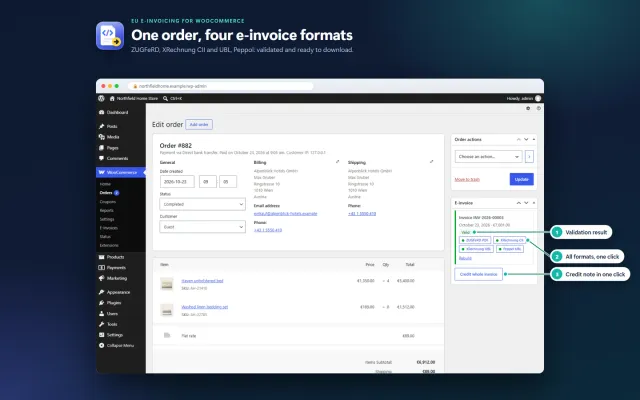
XRechnung, ZUGFeRD/Factur-X and Peppol BIS 3.0 from every order, created on your own server.
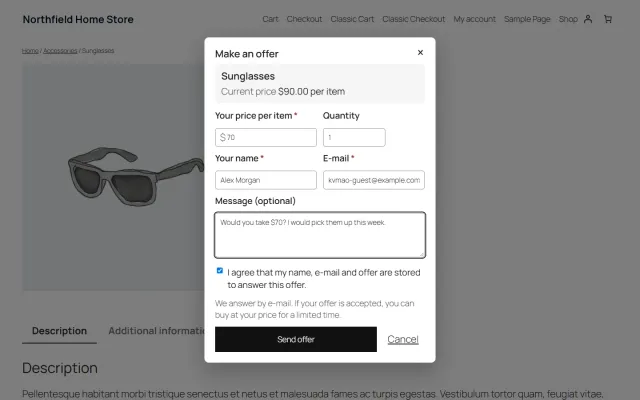
A Make an offer dialog with counter-offers and hidden rules; the agreed price is enforced only in that shopper’s cart.
Year, make and model search, My Garage, a fit badge on every product and CSV import for large fitment files.
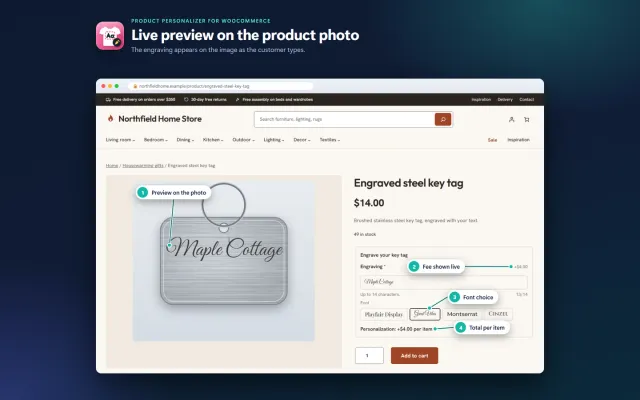
Names, dates and monograms previewed on the product image, with server-checked fees and the block checkout.
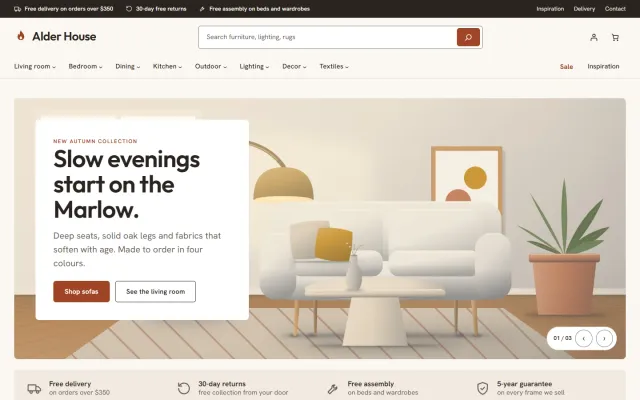
A warm, photo-led block theme for furniture and homeware, with shop by room tiles, filters and four styles.
Prices, licences, full documentation and instant downloads are on the store.
woocommerce.kaviolabs.com · 29 plugins · 14 themes
FAQ
No. Without it Axle is a complete parts-store theme; the garage finder, the fit check and the fitment tab simply do not appear. With it they are styled to match.
Yes. Replace the demo content and edit the patterns; the header, filters, product grid and product page are generic.
Axle is designed for the WooCommerce Cart and Checkout blocks. Shortcode pages still render inside the theme, without the block styling.
WooCommerce 10.1 to 11.2 on WordPress 6.7 or newer, with PHP 7.4 to 8.3. It is a block theme, so full site editing is part of it.
The store keeps working. Templates, patterns and styles stay, and the admin is never blocked; updates, the demo importer and the hero slider controls need a valid licence.
Four: Redline, Pitlane, Overland and Nightshift.
No. Fonts are self-hosted, and it makes no external requests.
The header menu is a Navigation block with fixed links. Edit it in the Site Editor.
The product page has screenshots of every style, the full documentation and the changelog.
Kavio Labs
The same standards, the same support desk and one licence portal on every platform we build for.