
Sell by Measure
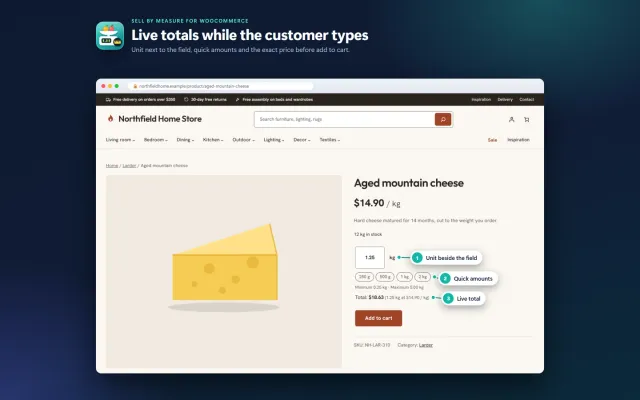
Decimal quantities like 1.25 kg, quick amounts, length × width and exact decimal stock, with the block checkout.
Platforms
 CS-CartAdd-ons and themes for CS-Cart and Multi-Vendor
 OpenCartExtensions and themes for OpenCart 4 and 3
 WooCommercePlugins and themes for WooCommerce
 PrestaShopModules and themes for PrestaShop 8.2 and 9
 ShopifyBuilt for every Shopify plan, billed by Shopify
Stores
WooCommerce guide · Vehicle Fitment & YMM Search
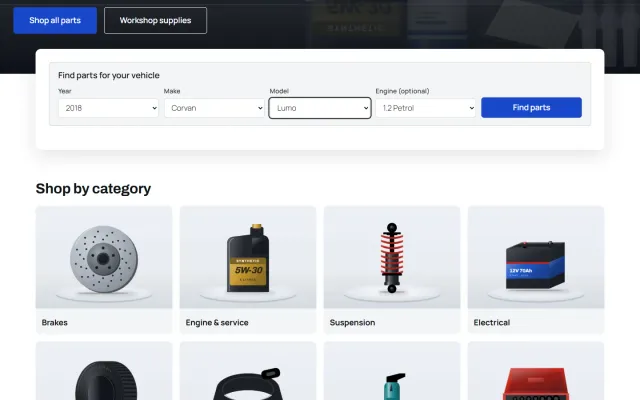
Shoppers pick year, make and model and see only the parts that fit. Every product page says whether the part fits the vehicle in their garage. Fitment data lives in indexed tables and imports from CSV.
The problem
Parts shoppers think in vehicles, not categories. With plain WooCommerce attributes, one part that fits 40 models needs 40 attribute values, and filters get slow and unreadable.
The result is wrong orders and returns, because the product page never says clearly whether the part fits the shopper’s car.
Vehicle Fitment & YMM Search for WooCommerce
Upload a CSV with year ranges, make, model and optional submodel and engine. Imports run in the background, with a preview before anything changes.
Use the Vehicle search block, the shortcode or the widget on the home page, in a sidebar or on category pages.
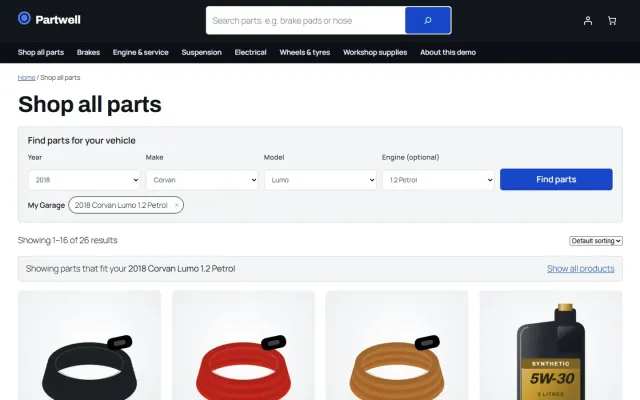
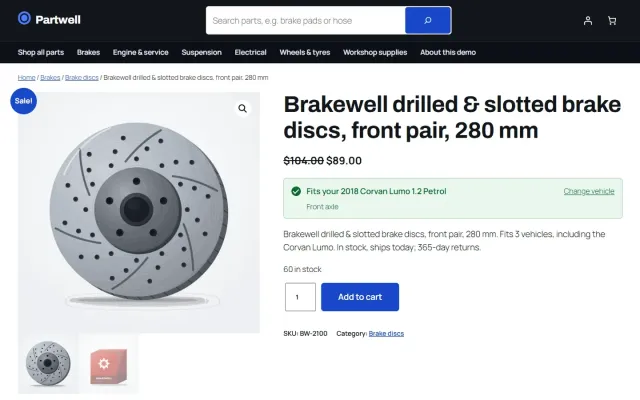
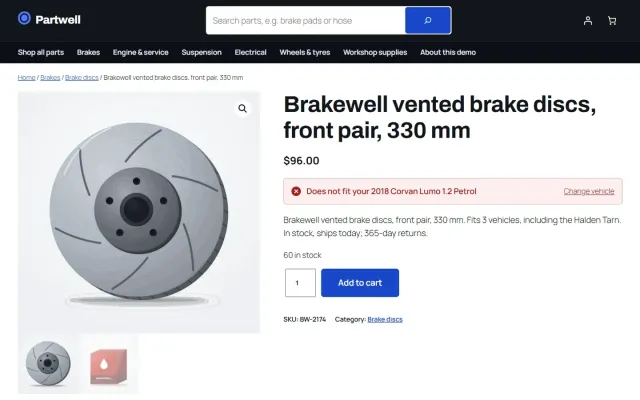
The shop shows only parts that fit; product pages show "Fits your vehicle" or "Does not fit" and a fitment tab. My Garage remembers up to 10 vehicles.
Years newest first; make and model load as the shopper chooses; submodel and engine when your data has them.
Saved vehicles, 1 to 10, switchable with one tap.
A badge above Add to cart and a Vehicle fitment tab on the product page.
Universal-fit products appear in every vehicle search.
Hundreds of thousands of rows in indexed tables; the shop filter adds one indexed sub-query.
Page HTML never depends on cookies; selector lists come from a cacheable REST endpoint.
Vehicle Fitment & YMM Search for WooCommerce
A parts buyer’s first question is not the price. It is "will this fit my car?" A wrong answer means a return, and often the shipping lost with it. Text search does not help: a part fits dozens of vehicles, and nobody types them correctly.
WooCommerce attributes are not built for this. A list of 400 vehicles as attribute terms becomes slow and hard to edit, and there is no chained selector where the model depends on the make. Vehicle Fitment & YMM Search stores fitment in its own indexed database tables, with no post meta queries, and adds the storefront parts around it.
The garage lives in the browser and the fit badge runs there too. Page HTML never depends on cookies, and the selector lists come from a cacheable REST endpoint, so page caching and CDNs keep working.
The plugin does not ship a vehicle database. You import the vehicles your parts fit, which keeps dropdowns short and correct: a shopper never picks a car you have no parts for. If you already have ACES data or a supplier list, it needs turning into CSV rows first. Our vehicle fitment CSV guide shows the format and common mistakes.
For quick edits, the product editor has its own tab with a universal-fit flag. Fitment belongs to the product, so all variations share it.
| Product attributes | Generic filter plugin | Vehicle Fitment | |
|---|---|---|---|
| Chained year, make, model | No | Sometimes | Yes |
| Fit answer on the product | No | No | Yes |
| My Garage | No | No | Yes |
| Large catalogs | Slows down | Depends | Indexed tables |
| Spreadsheet round trip | Via product CSV | Varies | Yes |
If you sell for one or two vehicle models, a category per model is simpler and needs no plugin. The plugin earns its keep once parts fit many vehicles.
The Axle theme is built around it: garage dropdown in the header, finder under the hero and matching styling on the fitment tab. The Parts Shop Pack on the packages page adds Make an Offer and Sell by Measure at one price. A version for Shopify is at Vehicle Fitment for Shopify. Get Vehicle Fitment on the store.
WooCommerce 10.1 to 11.2, WordPress 6.7 or newer, PHP 7.4 to 8.3, HPOS and Cart and Checkout blocks. It works with block themes through the Product Collection block that inherits the query, and classic themes through the main product query. Tested with Twenty Twenty-Five and Storefront.
Motorcycles, trucks or machinery work the same way if your data uses year, make and model. To limit the search to one category, use Search in category or the shortcode with target="current". Settings and data stay on uninstall unless you choose otherwise, and orders are never touched.
Parts buyers often search by vehicle and part: "2018 F-150 brake pads". The vehicle selector is a shopping tool, not a set of landing pages. To rank for such searches, publish useful category text and guides by system, and put the main vehicle range in product titles where it is true.
The Vehicle fitment tab lists every vehicle on the product page itself, which gives buyers plain text to read.
A good first step is to start small: import fitment for your best sellers, watch how shoppers use the search, and then extend the data.
WooCommerce
Year/make/model parts search for WooCommerce: fitment table per product, CSV import, My Garage, fits / does not fit badge and vehicle-filtered shop and search pages.
WooCommerce
The most requested products on this platform. Each one has its own page, and you can buy it straight on the sales site.
Decimal quantities like 1.25 kg, quick amounts, length × width and exact decimal stock, with the block checkout.
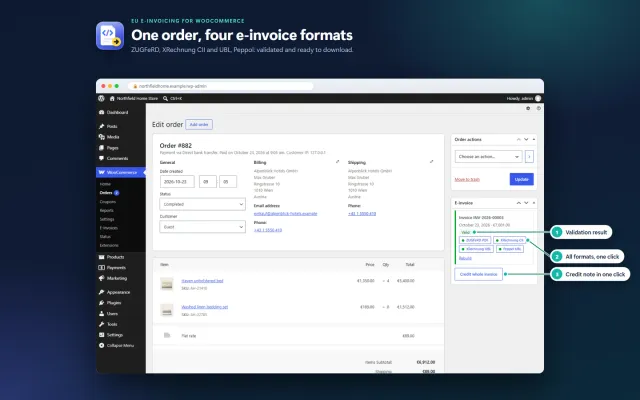
XRechnung, ZUGFeRD/Factur-X and Peppol BIS 3.0 from every order, created on your own server.
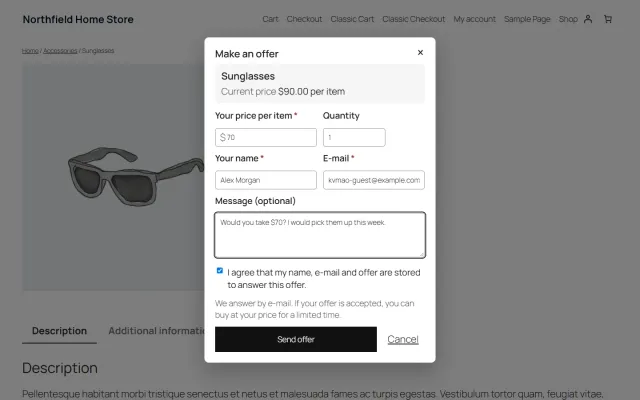
A Make an offer dialog with counter-offers and hidden rules; the agreed price is enforced only in that shopper’s cart.
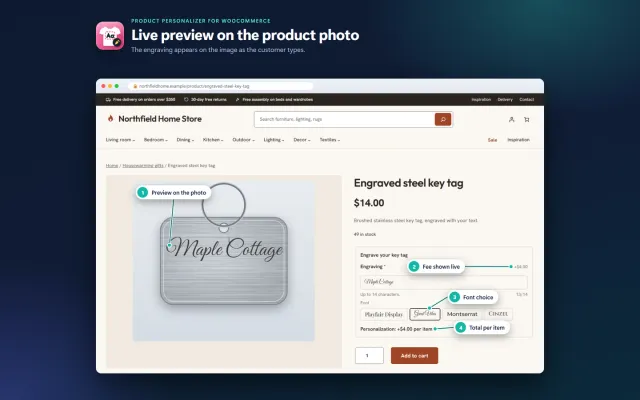
Names, dates and monograms previewed on the product image, with server-checked fees and the block checkout.
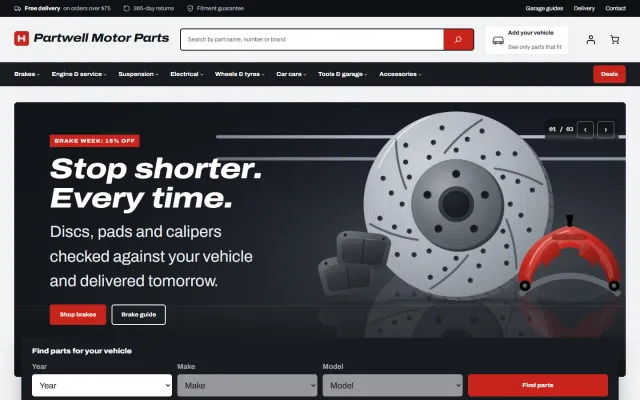
A classic, conversion-first block theme for parts stores, with a garage finder, a fit check on every product and four styles.
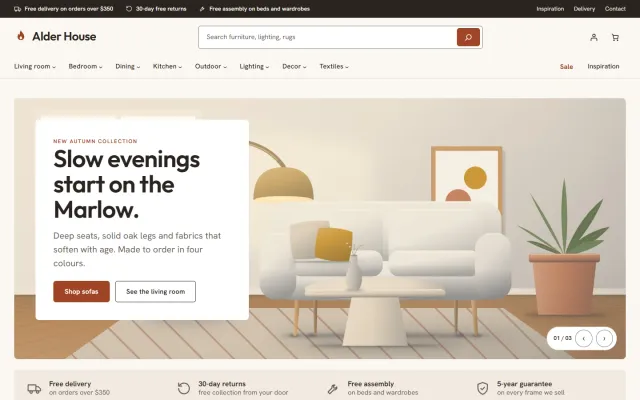
A warm, photo-led block theme for furniture and homeware, with shop by room tiles, filters and four styles.
Prices, licences, full documentation and instant downloads are on the store.
woocommerce.kaviolabs.com · 29 plugins · 14 themes
Vehicle fitment
Built natively for each platform, not ported. Each version has its own product page, documentation and price.
Shopify
YMM search on your own collection pages, a fit badge on every product, My Garage and CSV import.
Guide
Guide
One row per product and vehicle, year ranges, submodel and engine, universal parts and the errors to avoid.
Read the guideFAQ
No. You import the vehicles your parts fit, so the lists only contain vehicles you sell parts for.
It works with block themes and classic themes, and is tested with Twenty Twenty-Five and Storefront.
Yes. The garage and the fit badge run in the browser, and the selector lists come from a cacheable REST endpoint.
Yes. Place the search on the category page with "Search in category" on, or use the shortcode with target="current".
Rows live in indexed tables and imports run in the background in chunks, so files with hundreds of thousands of rows work.
No. Fitment belongs to the product, and all its variations share it. A variation SKU in the CSV maps to its product.
Yes. Export gives a CSV that imports back unchanged.
Yes. It says the part fits the shopper’s selected vehicle, with your notes, or that it does not fit.
See the vehicle search and the import screens, then read the documentation on the product page.
Kavio Labs
The same standards, the same support desk and one licence portal on every platform we build for.