
Sell by Measure
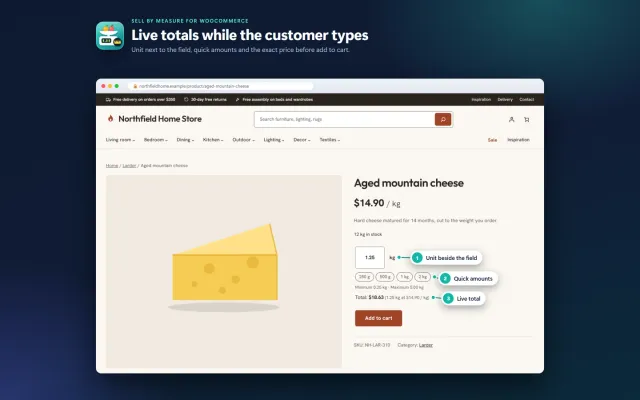
Decimal quantities like 1.25 kg, quick amounts, length × width and exact decimal stock, with the block checkout.
Platforms
 CS-CartAdd-ons and themes for CS-Cart and Multi-Vendor
 OpenCartExtensions and themes for OpenCart 4 and 3
 WooCommercePlugins and themes for WooCommerce
 PrestaShopModules and themes for PrestaShop 8.2 and 9
 ShopifyBuilt for every Shopify plan, billed by Shopify
Stores
WooCommerce guide · Product Personalizer
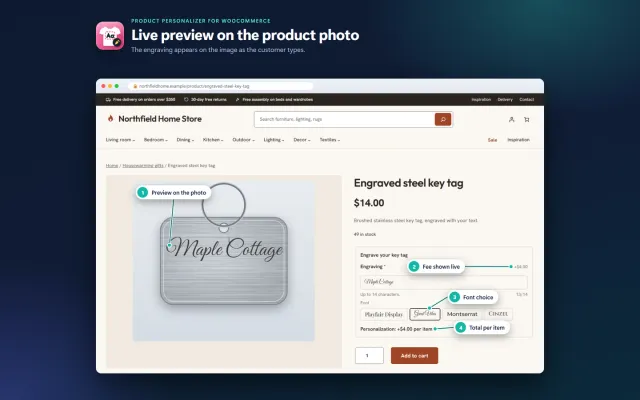
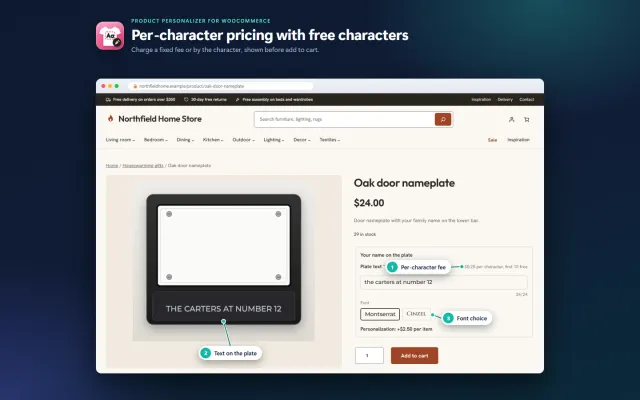
Customers type a name, a date or their initials, pick a font and a position and see the result on the product image before they add it to the cart. You set the rules once in a template, and the personalization follows the item to the order, the e-mails and the production sheet.
The problem
A text field on the product page collects the engraving, but the customer cannot see it on the product, there is no font or position choice, and a fee is easy to get wrong.
The result is typos and impossible lengths in orders, and e-mails back and forth before anything can be made.
Product Personalizer for WooCommerce
In Products > Personalization, add text and monogram fields with character limits, allowed characters, fonts, positions and the fee.
They type, choose a font and a position and see the text on the main product image. In product lists the button reads "Personalize" for products that need it.
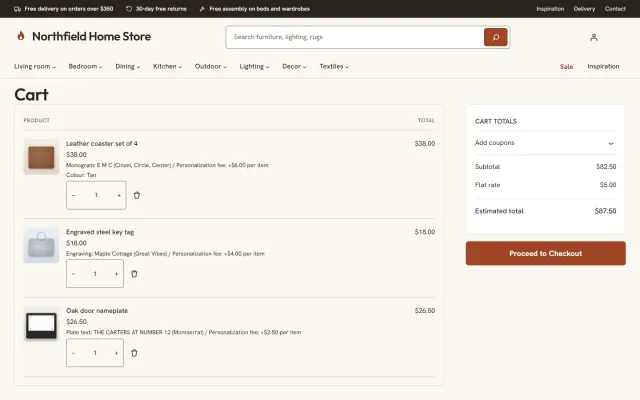
The fee is added to the item price; the personalization shows in the cart, the checkout, the order, the e-mails and the production sheet.
Positions such as center, top, bottom, upper or lower third on the main product image.
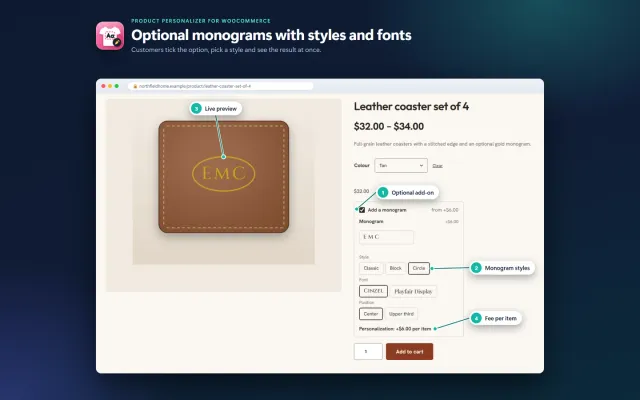
Classic (first, LAST, middle), Block, Circle and single letter, always in capitals.
Computed from the template and the text; every add to cart (form, AJAX, Store API) is checked again.
A built-in English list plus your own words, matched also with look-alike characters.
Cart and Checkout blocks, classic shortcodes, block and classic themes, High-Performance Order Storage.
A measured line, for example 2.5 m, carries the personalization and pays the fee once.
Product Personalizer for WooCommerce
Engraving, monograms and embroidery sell on one promise: the customer sees what they get. Product add-on plugins give you a text box, but the customer still types into nothing, the character limit is a guess, and the workshop gets a line in the order. Mistakes come back as remakes.
Product Personalizer draws the text on the product photo as the customer types, in the chosen font, finish and position, and shows the fee. It is built for text and monograms: engraving, embroidery and print shops. It is not a full designer, and has no image uploads.
Values show in block and classic cart and checkout, confirmation, My Account, e-mails and the order screen, and Order again keeps the personalization.
A template has up to 6 fields and applies to a product or a category, with parent categories included. Set per field: label, character limit up to 200, lines up to 4, allowed characters, capitals only, fonts, position, finish and size.
Five positions are available: center, top, bottom, upper and lower third. These are areas of the photo, so choose product images where the engraving zone sits in one of them. Fixed print coordinates per product are not part of this plugin.
| Fee type | Example |
|---|---|
| Free | Initials included in the price |
| Fixed | $5 per field when filled in |
| Per character | $0.50 with 3 free characters: "Happy Birthday" = 13 − 3 = 10 × $0.50 = $5.00 |
Spaces and line breaks are never charged. The fee is added after sale prices and taxed with the product, so coupons and taxes treat it as part of the item price. Fonts load only on products that use them.
Turn on the built-in English list and add your own words. It catches look-alike spellings such as sh1t and $hit, repeated letters, spaced-out words, plurals and initials such as "ASS". For a shop that engraves whatever is typed, this one setting prevents awkward production mistakes.
| Product add-ons | Full product designer | Product Personalizer | |
|---|---|---|---|
| Live text on the photo | No | Yes | Yes |
| Customer image upload | As a file | Yes | No |
| Free canvas placement | No | Yes | No, set positions |
| Monogram styles | No | Sometimes | Yes |
| Production sheet | No | Varies | Yes |
| Complexity | Low | High | Low |
If customers upload artwork, you need a designer plugin. For names, dates and initials, this one is simpler to run. On CS-Cart, our Product Personalizer has image uploads and print areas, and Shopify has the Engraving & Monogram Personalizer. Get Product Personalizer on the store.
WooCommerce 10.1 to 11.2, WordPress 6.7 or newer, PHP 7.4 to 8.3, HPOS, Cart and Checkout blocks, block and classic themes. Simple and variable products can be personalized, and a template applies to all variations. Category templates never apply to virtual products; choose a template on the product instead. It adds no checkout steps or fields. Products with measured quantities from Sell by Measure pay the fee once per line.
The preview is only as good as the product photo, so prepare images with it in mind. Use a straight-on shot with the engraving area clear of shadows and reflections. Keep that area in one of the five positions, and shoot similar products the same way, because a template applies to every product it is assigned to.
Personalized goods are often excluded from consumer withdrawal rights in the EU, but the details depend on your case, so check with your adviser and say so on the product page.
Before launch, run a real order through to the workshop from the production sheet. The people doing the work will spot what the settings missed.
WooCommerce
Text and monogram engraving with a live preview on the product image: 12 fonts, positions, fixed or per-character fees, offensive-word filter and a…
WooCommerce
The most requested products on this platform. Each one has its own page, and you can buy it straight on the sales site.
Decimal quantities like 1.25 kg, quick amounts, length × width and exact decimal stock, with the block checkout.
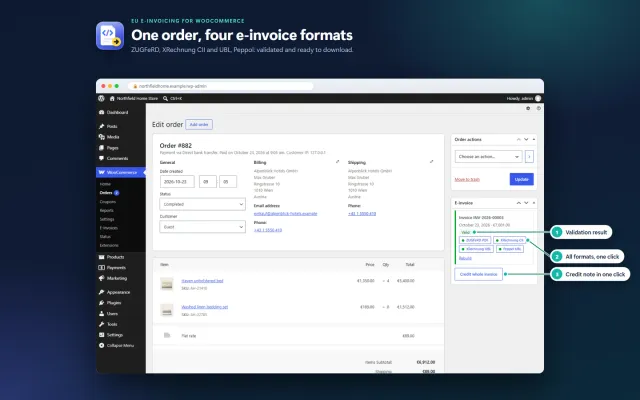
XRechnung, ZUGFeRD/Factur-X and Peppol BIS 3.0 from every order, created on your own server.
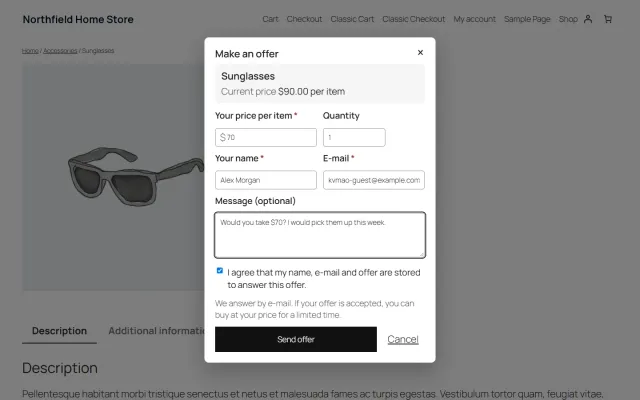
A Make an offer dialog with counter-offers and hidden rules; the agreed price is enforced only in that shopper’s cart.
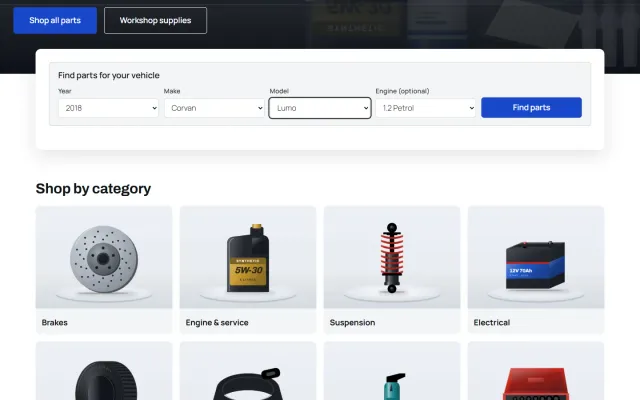
Year, make and model search, My Garage, a fit badge on every product and CSV import for large fitment files.
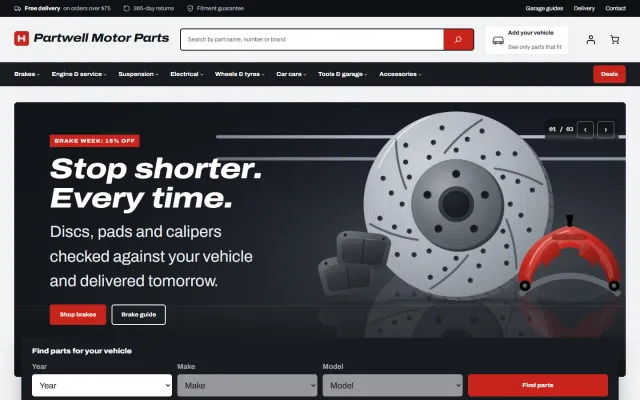
A classic, conversion-first block theme for parts stores, with a garage finder, a fit check on every product and four styles.
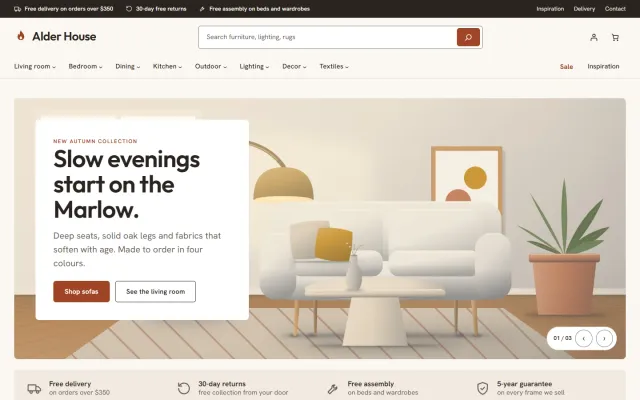
A warm, photo-led block theme for furniture and homeware, with shop by room tiles, filters and four styles.
Prices, licences, full documentation and instant downloads are on the store.
woocommerce.kaviolabs.com · 29 plugins · 14 themes
Product personalizer
Built natively for each platform, not ported. Each version has its own product page, documentation and price.
CS-Cart
Text, photo and choice fields on print areas with a live preview, server-rendered proofs and surcharges.
Names, dates and monograms previewed on the product photo, with fees, a word filter and a production sheet.
PrestaShop
Names, dates and initials previewed on the product image, with fees checked on the server and a production sheet.
Engraving previewed on the product photo, monogram styles, an add-on price at checkout and a production sheet.
FAQ
No. The fee is computed on the server from the template and the text; every add to cart is checked again.
Coupons apply to the whole line price, which includes the fee. Sale prices apply to the product price only; the fee is added afterwards.
No. Nothing changes in the checkout form.
The form disappears and products are sold without personalization. Lines already in carts keep their personalization and fee; orders are never changed.
No. It is made for text and monograms, for engraving, embroidery and print shops.
12 fonts, 8 of them bundled script, serif, capital and modern fonts. Bundled fonts are under the SIL Open Font License 1.1.
Yes. Use the built-in English list plus your own, and it also catches look-alike spellings and spaced-out letters.
Your choice. A template can be optional or required. Required products show a Personalize button in lists.
The product page has screenshots, the full documentation and the changelog.
Kavio Labs
The same standards, the same support desk and one licence portal on every platform we build for.